Skip to content
MANUPRIME

Modules 2.2 / 2.3 / 2.4 / 2.27–2.30

Administration & Setup

4 articles

Companies, users, roles and approvals

Multi-company, multi-plant setup with role permissions and approval matrices.

  1. Company & Branches holds entities, financial years, GST/number-series/print settings. Users & Roles manages users, role permissions and approval limits.

  2. The approval matrix supports value-based limits, multi-level approvals, delegation during leave and escalation on timeout — pending items show on the Approvals badge.

  3. Multi-Plant gives the plant registry, plant-wise snapshots and inter-plant transfers.
Admin settings and masters

Everything configurable lives in Admin Settings and the master screens.

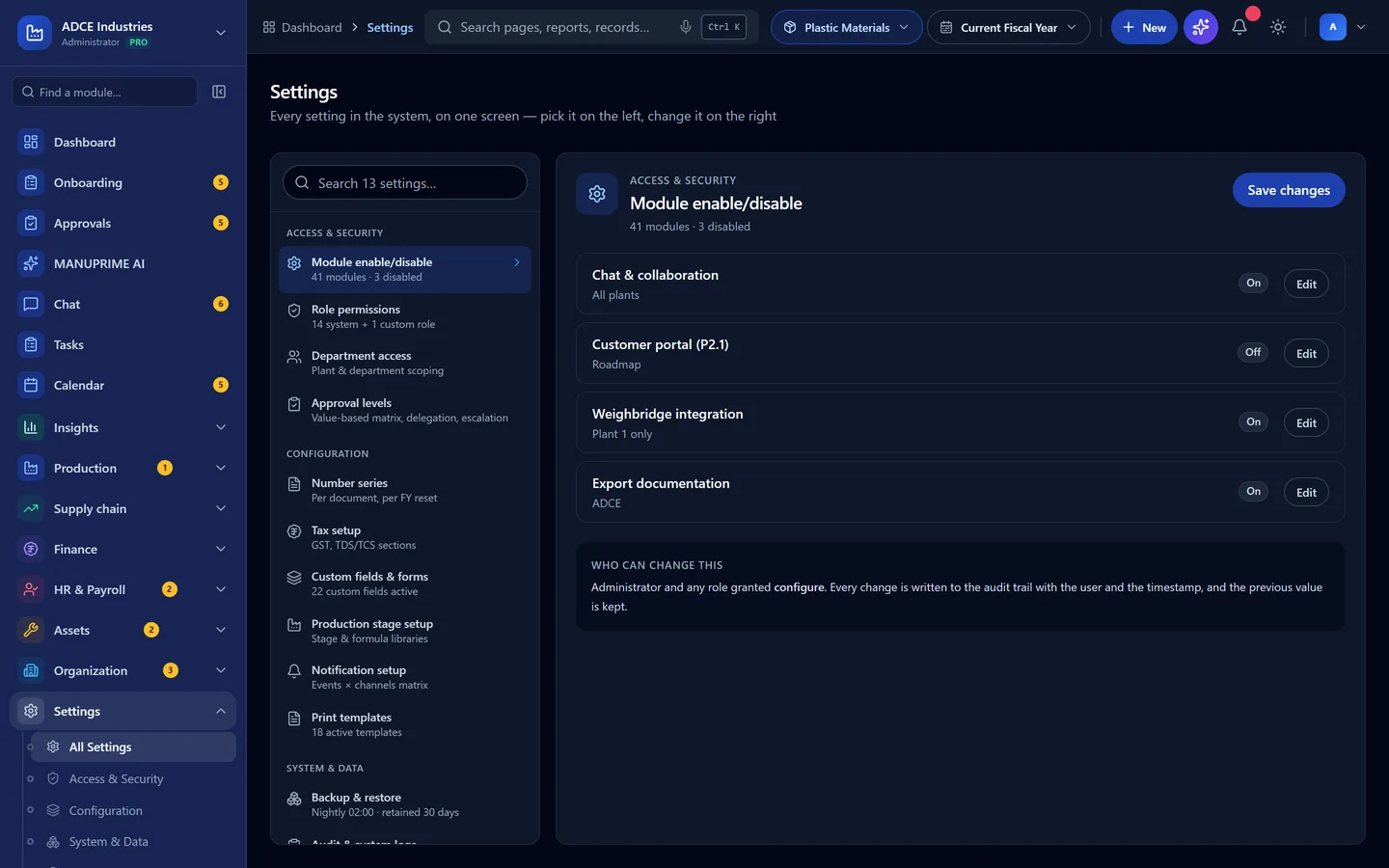
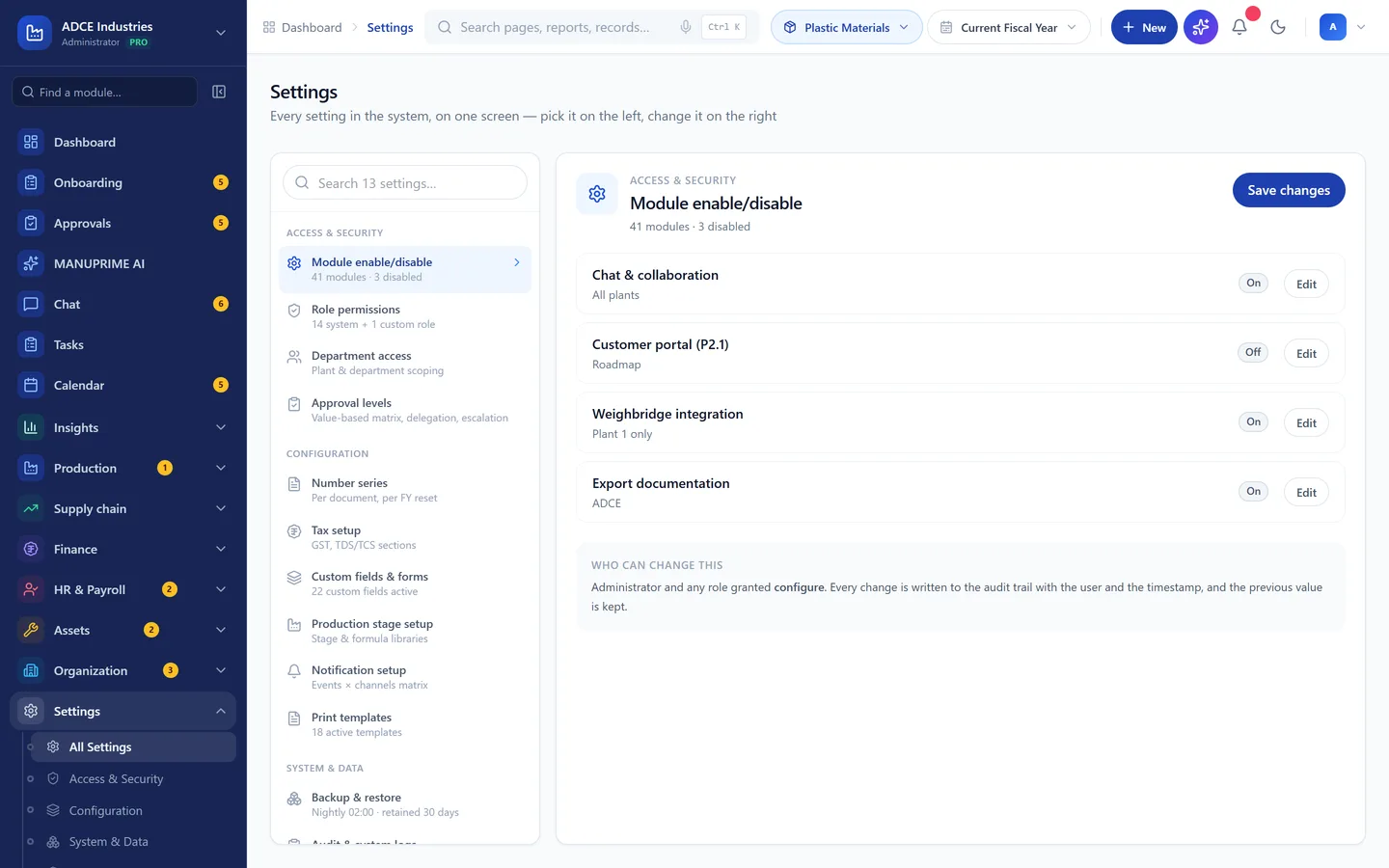
  1. Admin Settings groups access & security, configuration (series, tax, custom fields, stages, notifications, print templates) and system (backup, audit logs). Click any tile for its details.

    Admin settings groups
    Admin settings groups
  2. Dedicated masters: Customers, Vendors, Products & Materials, Machines — plus Other Masters for warehouses, transporters, job workers, QC parameters and more.

  3. Data Migration & Onboarding provides the import wizard with validation for opening data.

Connecting integrations (WhatsApp, Google, GSP, banking)

All third-party connections in one hub.

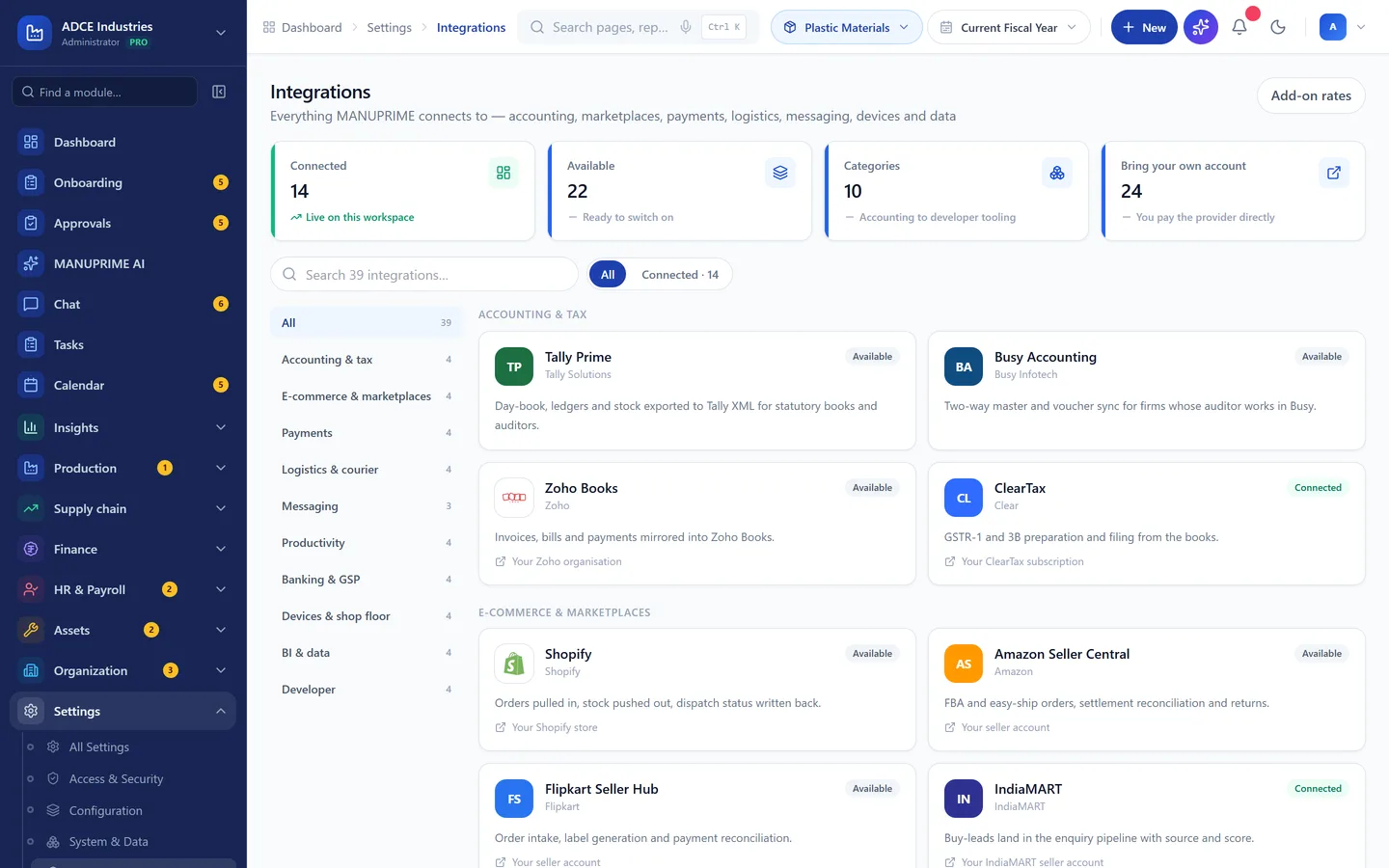
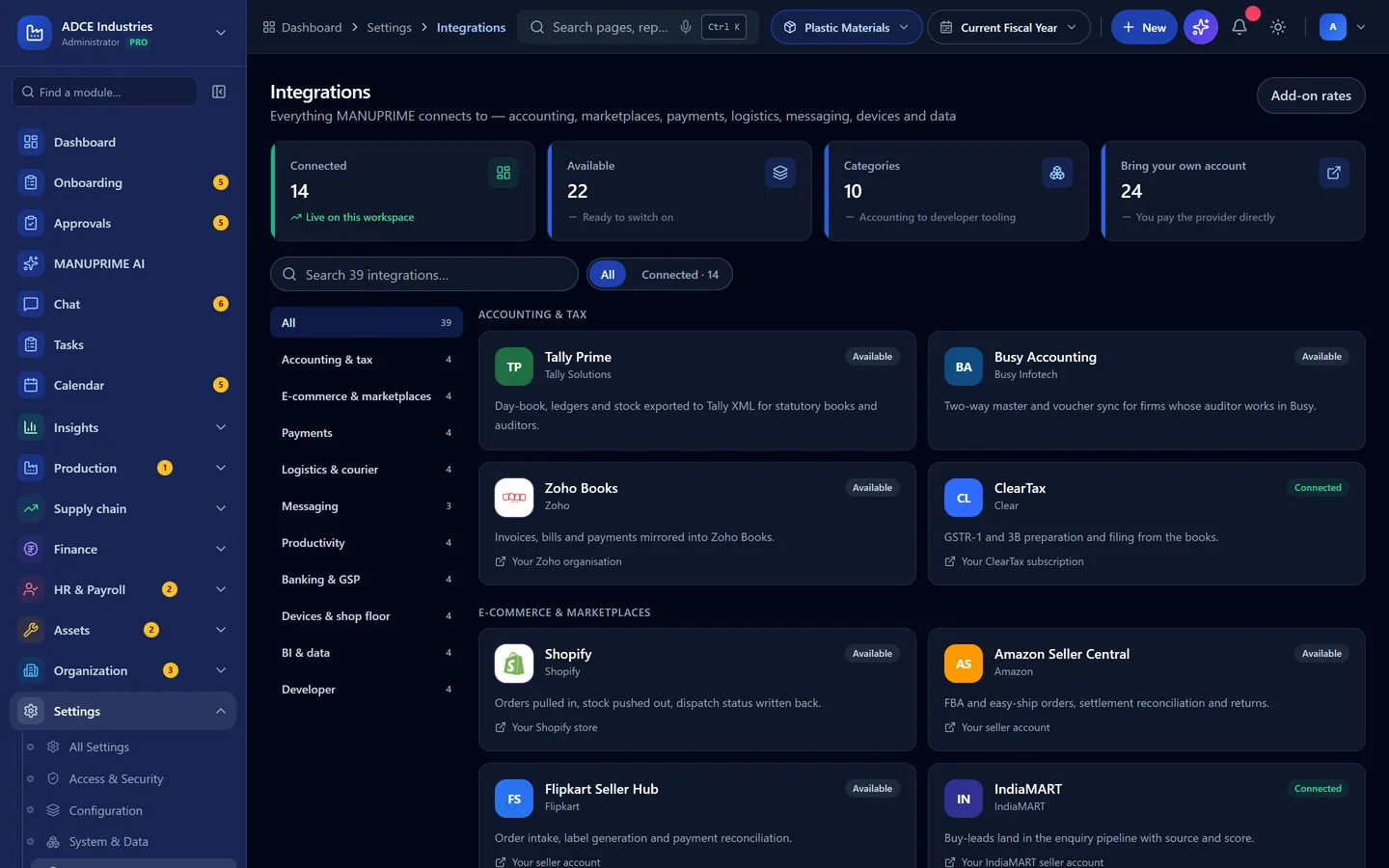
  1. Settings → Integrations Hub. Click a connector card to view configuration, then Connect / Test connection / Disconnect.

    Integrations Hub connectors
    Integrations Hub connectors
  2. WhatsApp Business powers alerts and document sharing; Google Calendar/Meet powers Meetings; the GSP connector handles e-invoice, e-way and GSTR-2B; bank statement import is standard (live bank APIs scoped separately).

Reports and the custom report builder

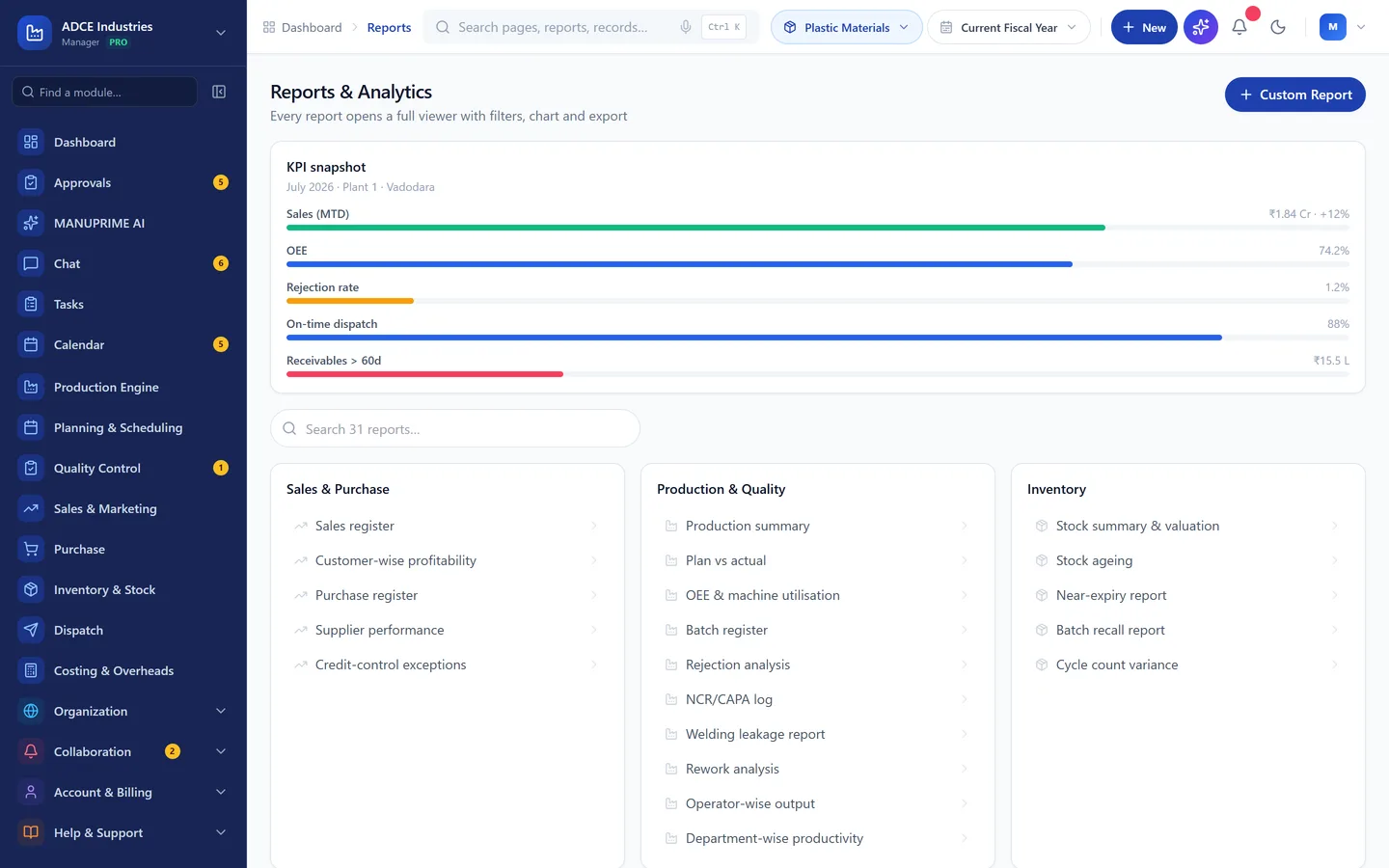
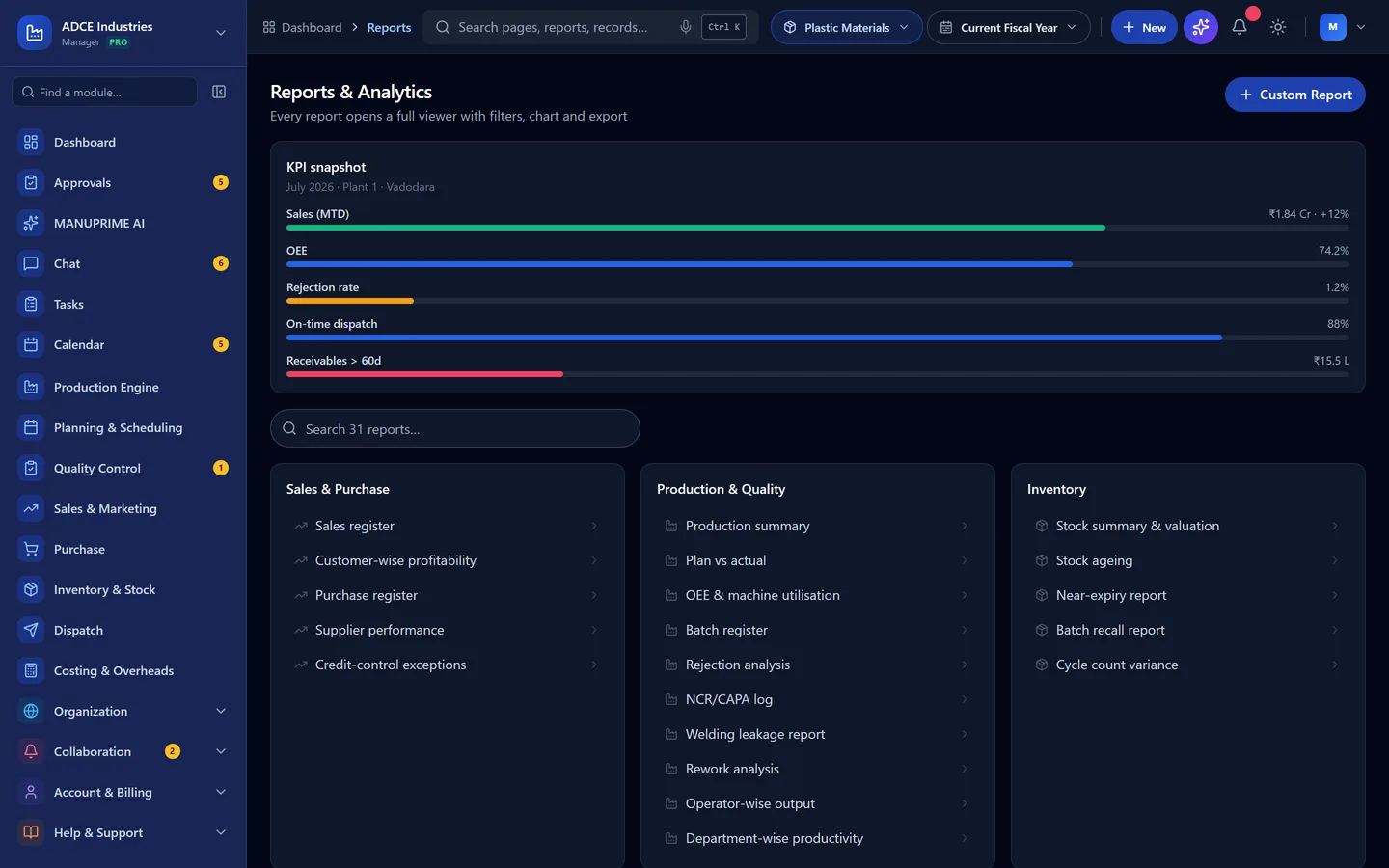
31 standard reports plus custom reports with export and scheduling.

  1. Reports & Analytics lists every report by area — each opens a full viewer with filters, chart and table.

    Report catalog
    Report catalog
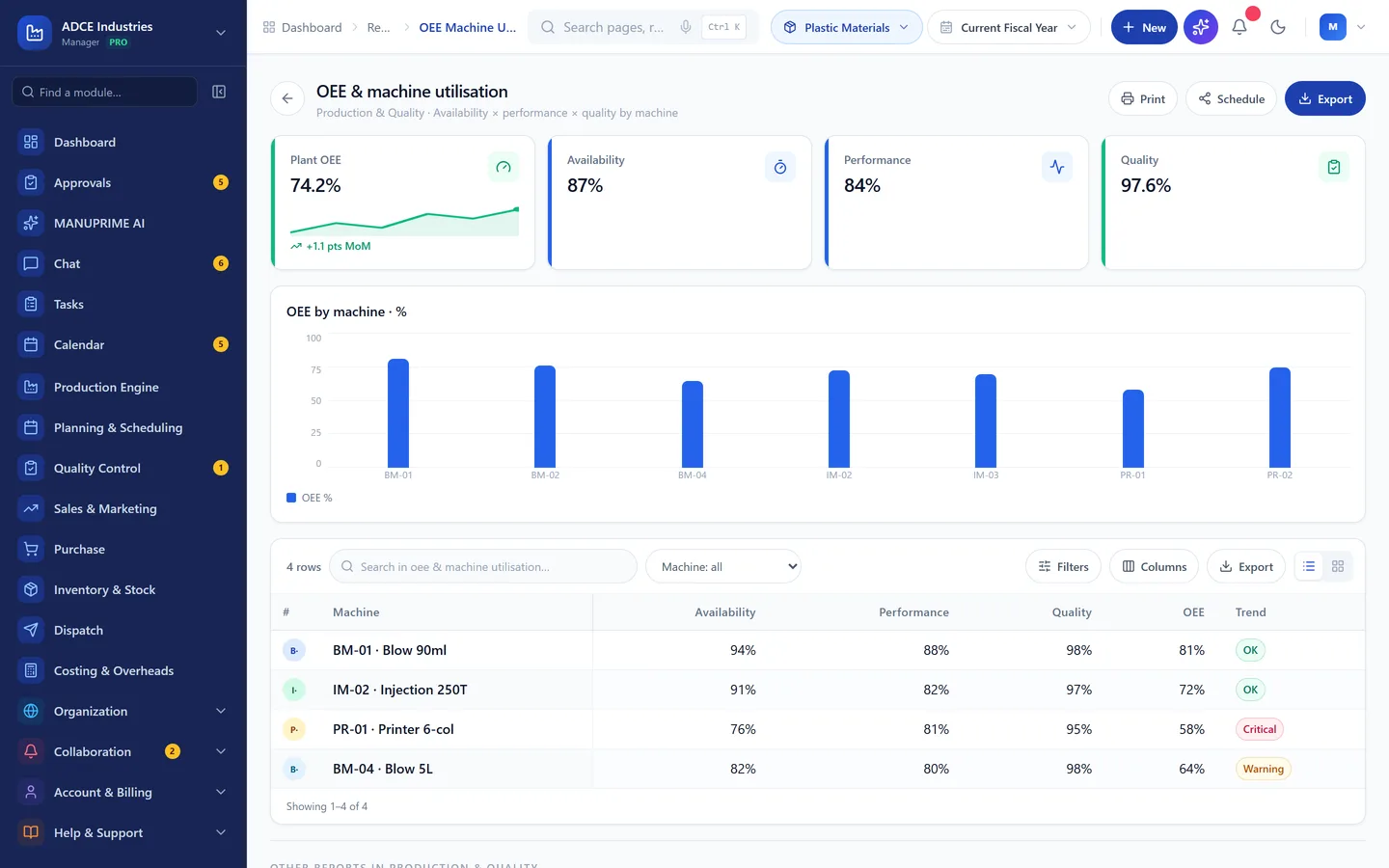
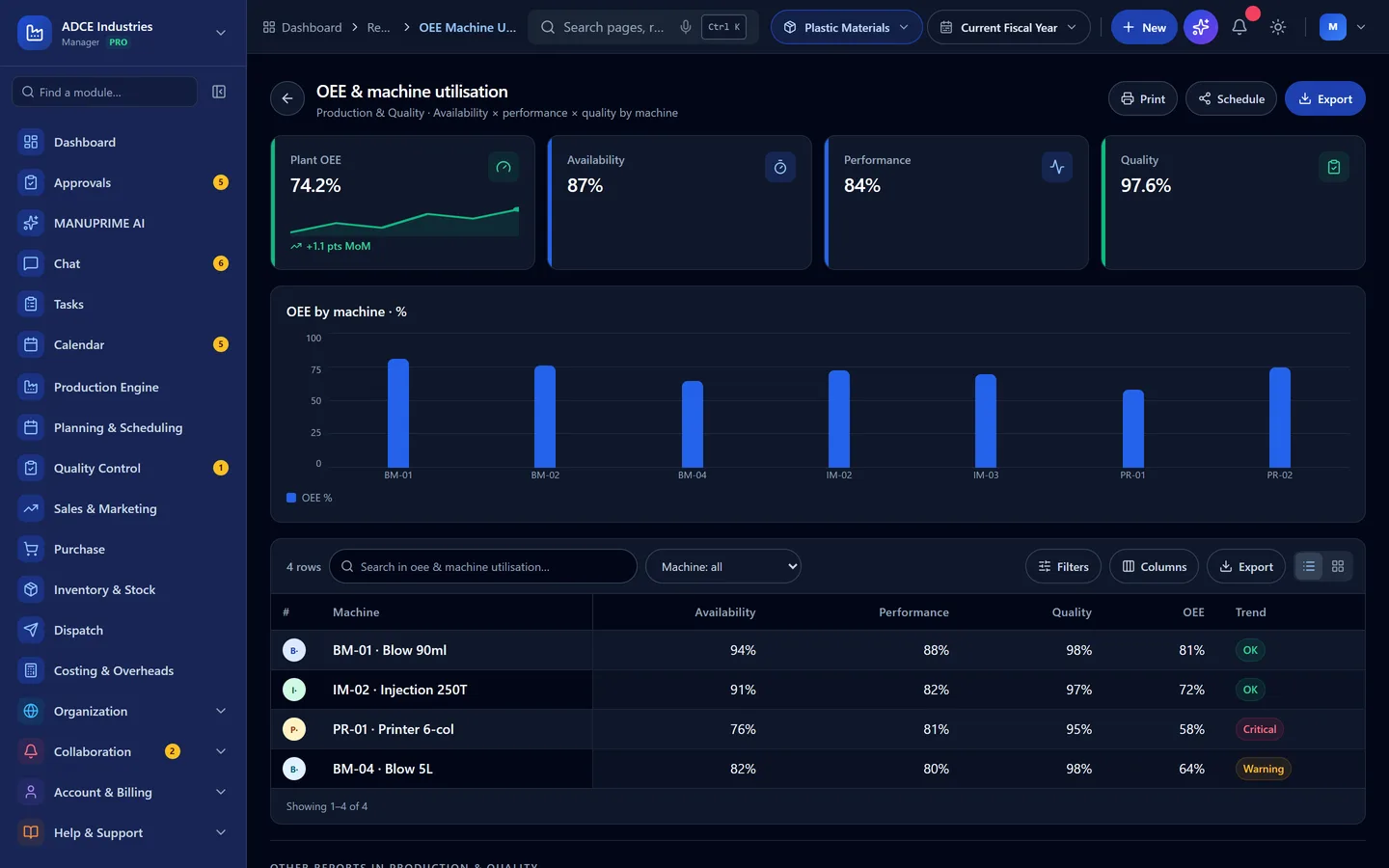
  2. Inside a report use Print, Schedule (daily/weekly/monthly email) and Export (XLSX/CSV/PDF).

    Report viewer with export actions
    Report viewer with export actions

Still stuck?

Write to contact@anantatechhub.com or call us. You reach the people who build it, not a queue.