
37 industry templates, ready on day one
Manufacturing ERP software to run your entire plant.
Production, stock, quality, costing, compliance and payroll — unified, so nothing slips between tools. And an AI that reads that record rather than guessing at it.
No signup. No sales call just to look around.
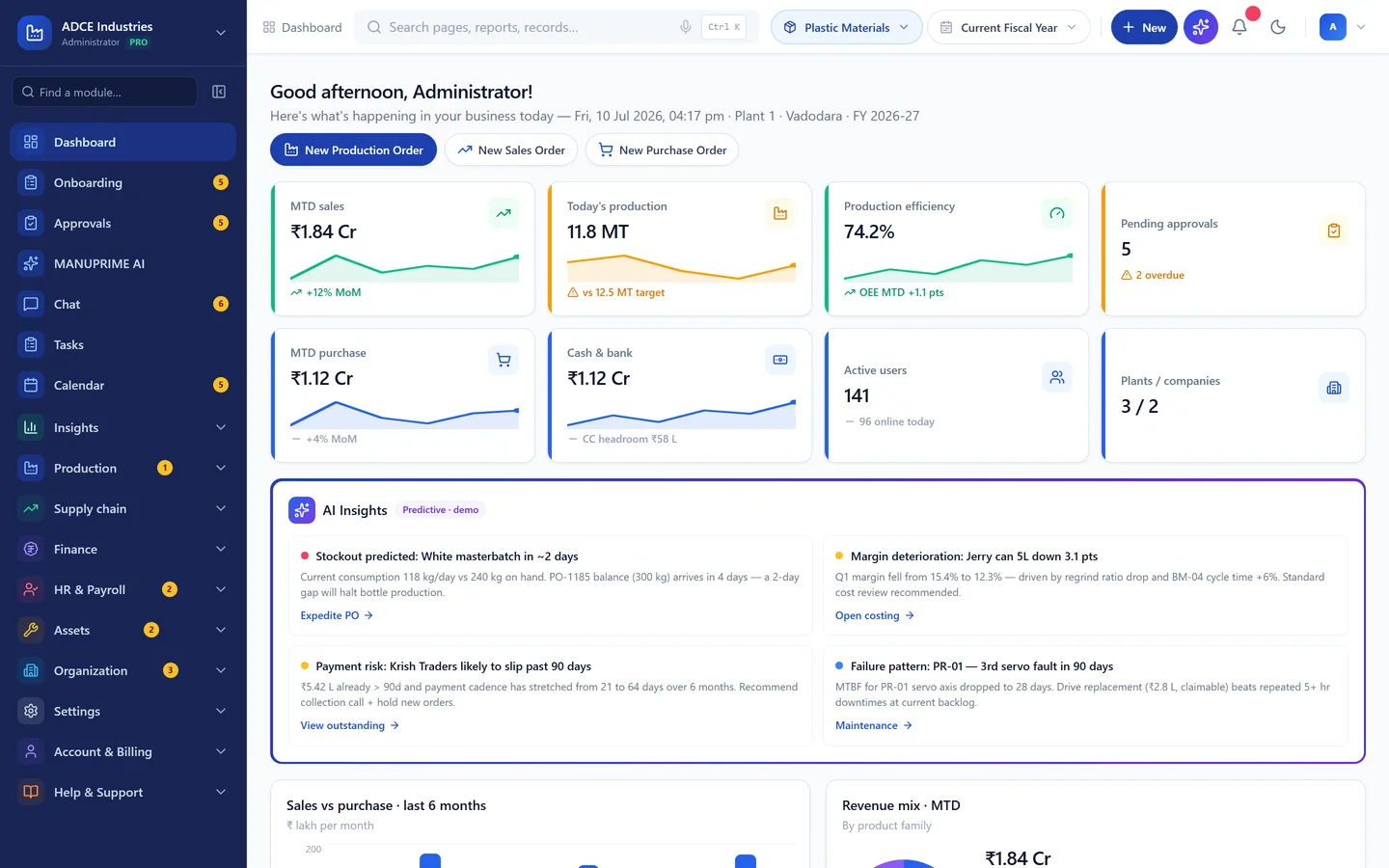
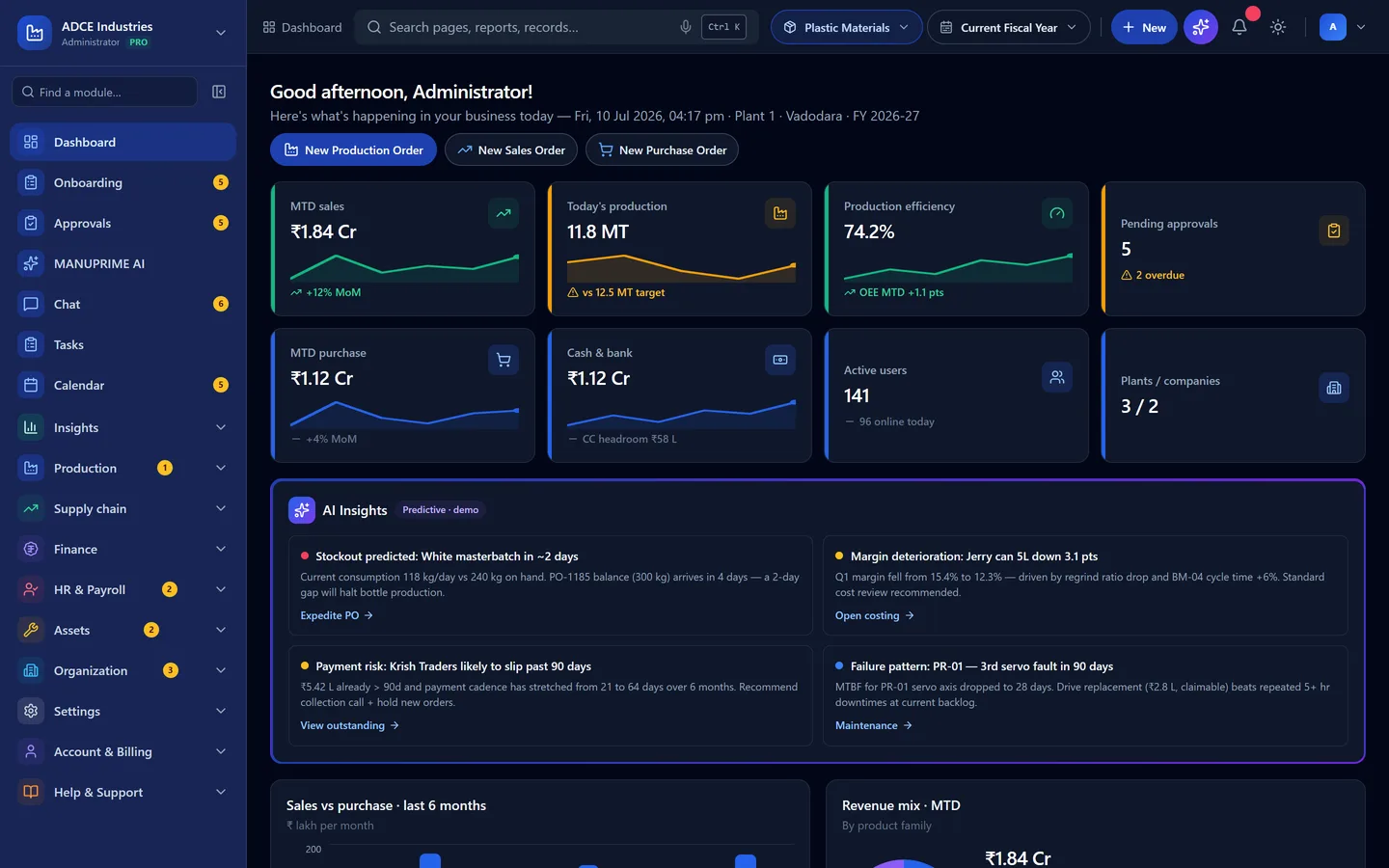
- Every module, one login
- Role-based access by default
- Encrypted in transit (TLS)
Everything your plant runs on — one login
One system, every screen
The office browser, the supervisor's phone and the tablet bolted to the machine — the same build, installed.
- WebAny modern browser
- AndroidAdd to Home screen
- iPhone & iPadShare → Add to Home Screen
- WindowsInstall from Chrome or Edge
- MacInstall from Chrome, Edge or Safari
- LinuxInstall from Chrome or Chromium
- 39
- Integrations — accounting, payments, logistics, messaging, devices
Sound familiar
Three things every plant we visit has in common.
None of them are software problems until you try to close the month.
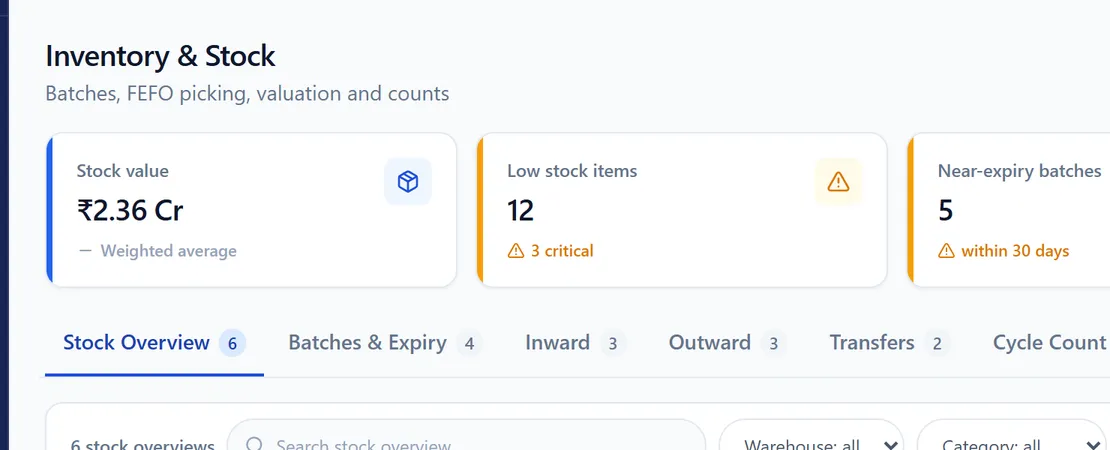
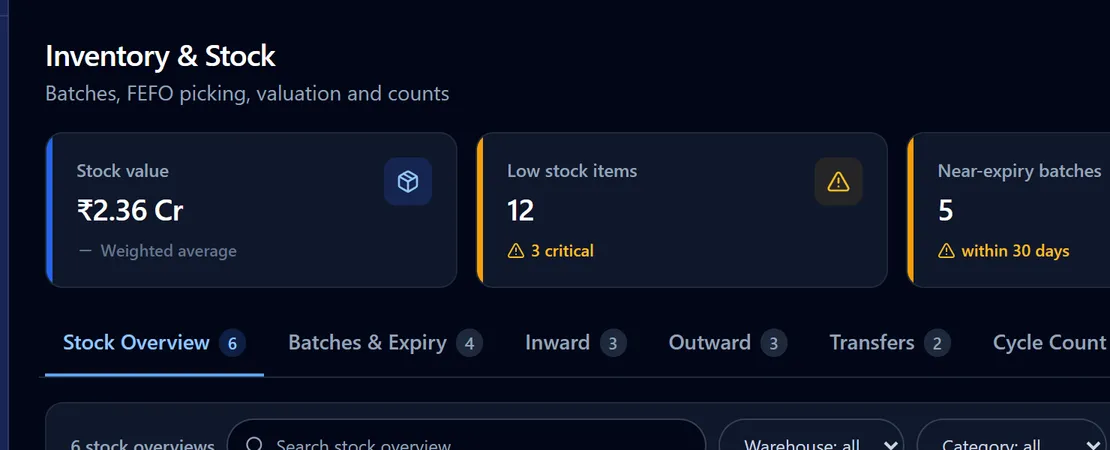
A stock figure nobody trusts
The register says one thing, the store says another, and the purchase order gets raised on a guess. Everyone knows the number is wrong; nobody can prove by how much.
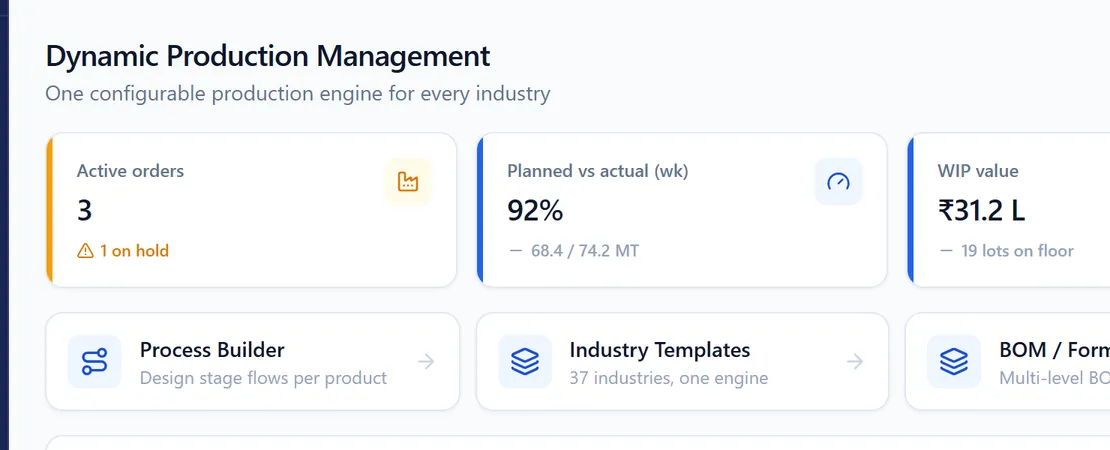
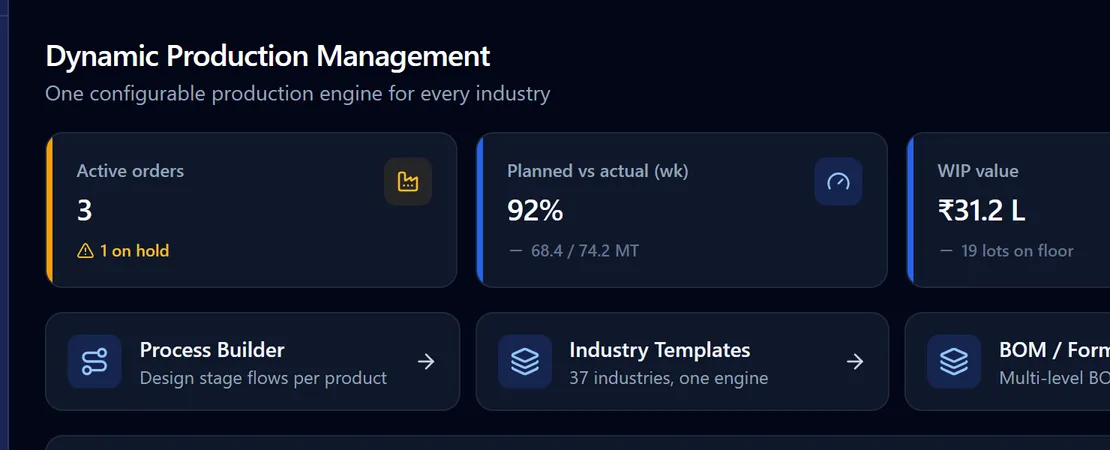
A job card that lives on a whiteboard
Where a batch actually is right now is a phone call. WIP is an estimate. The customer asks for a date and sales promises one the floor never agreed to.
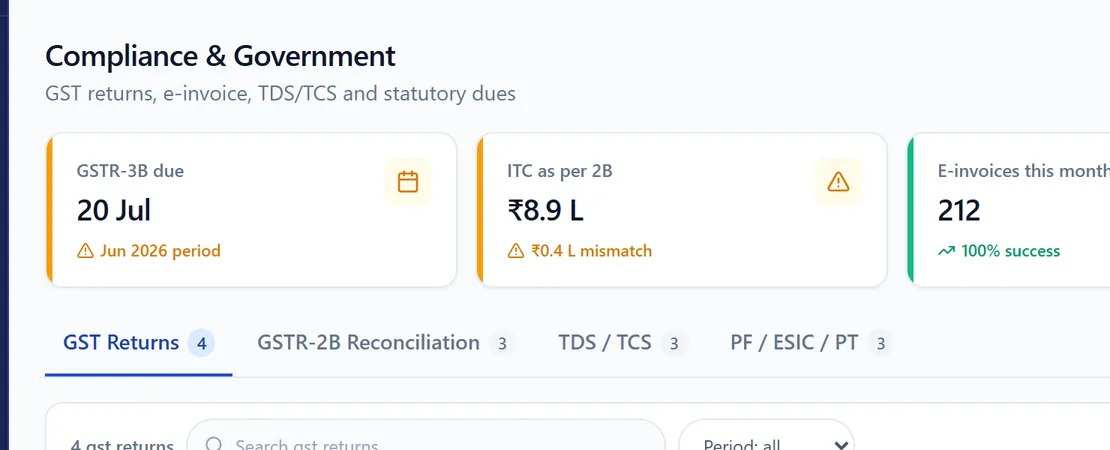
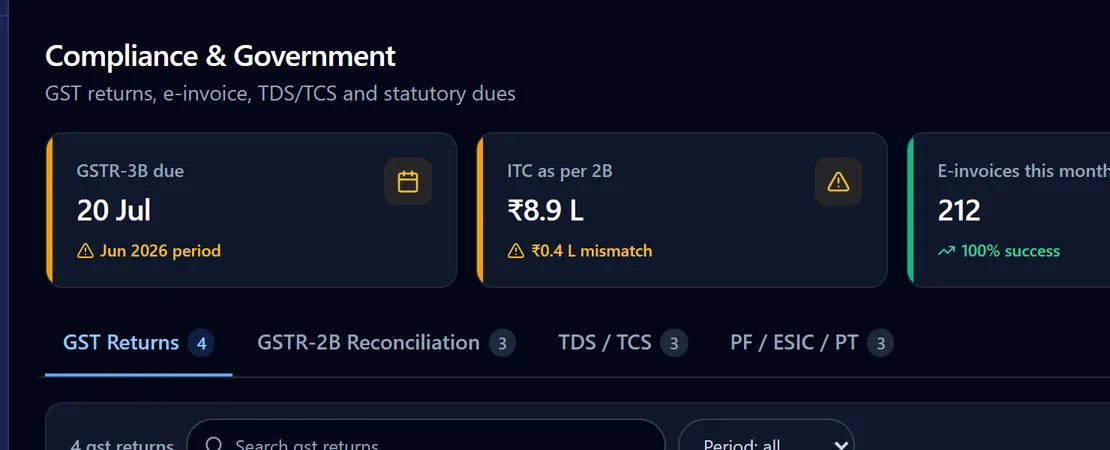
A tax return assembled the week it is due
Invoices in one place, delivery notes in another, the tax portal in a browser tab. Three days a month spent rebuilding what the system should already know.
Capabilities
One platform for your entire plant.
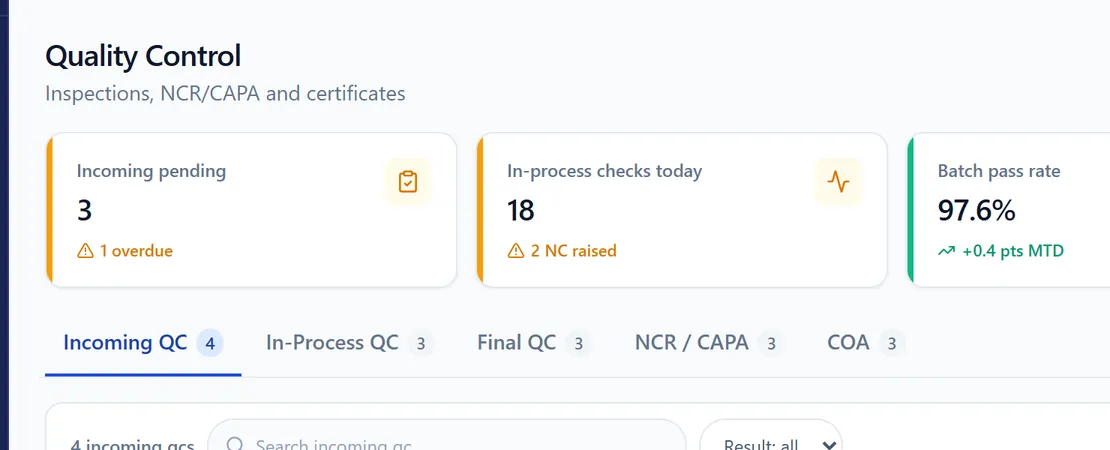
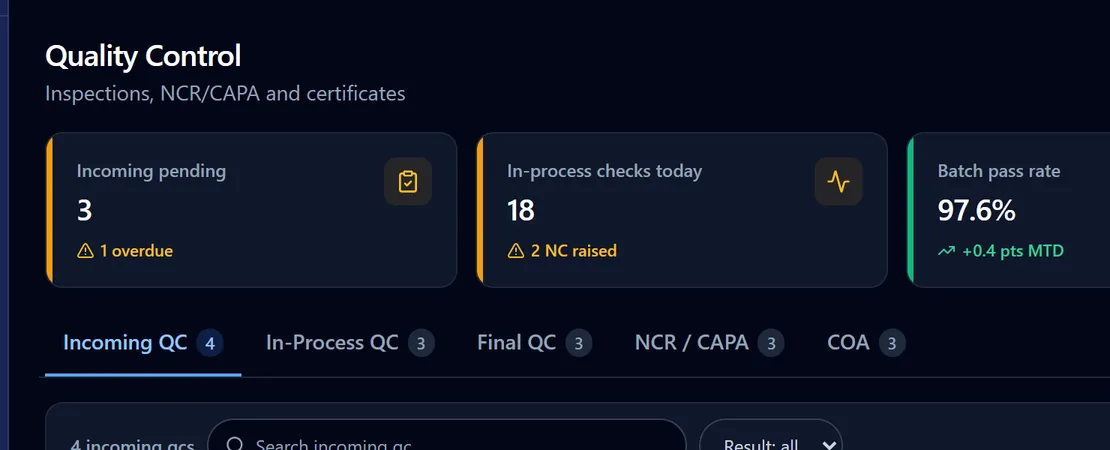
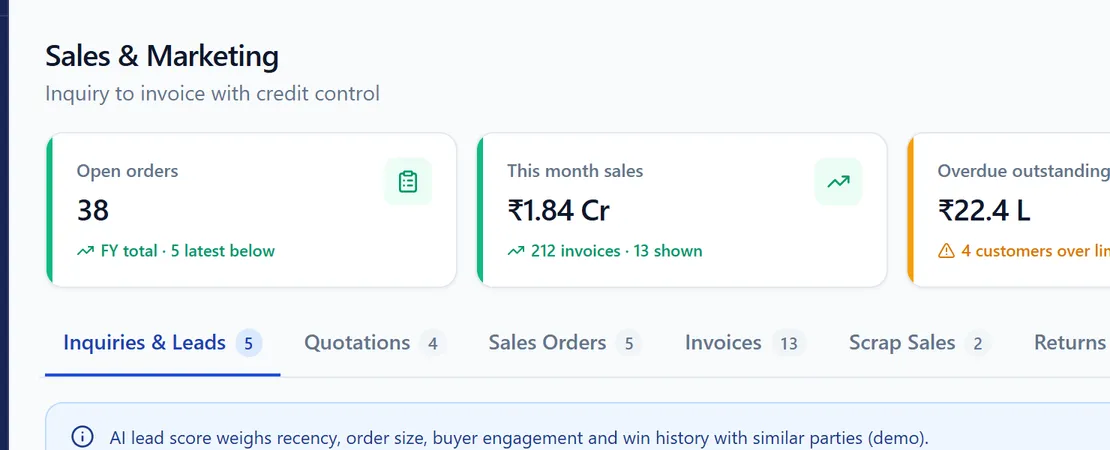
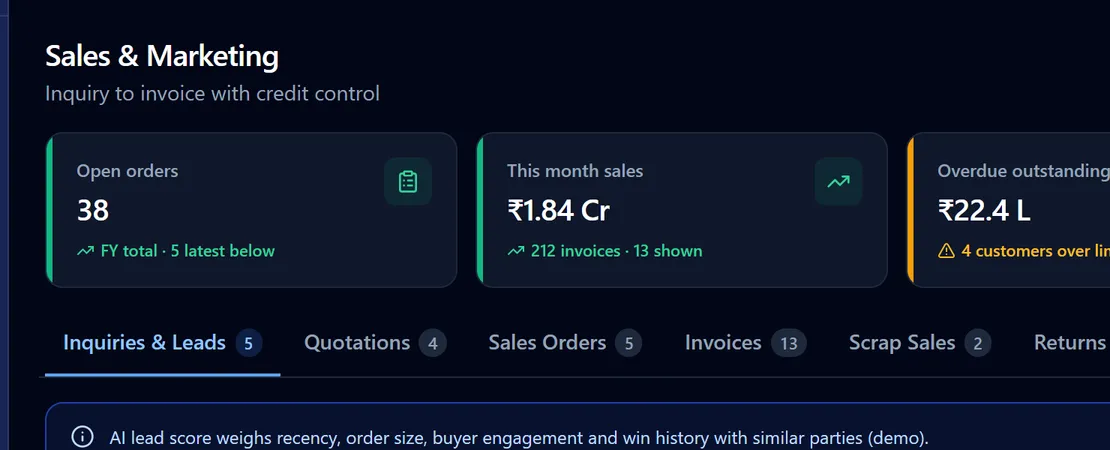
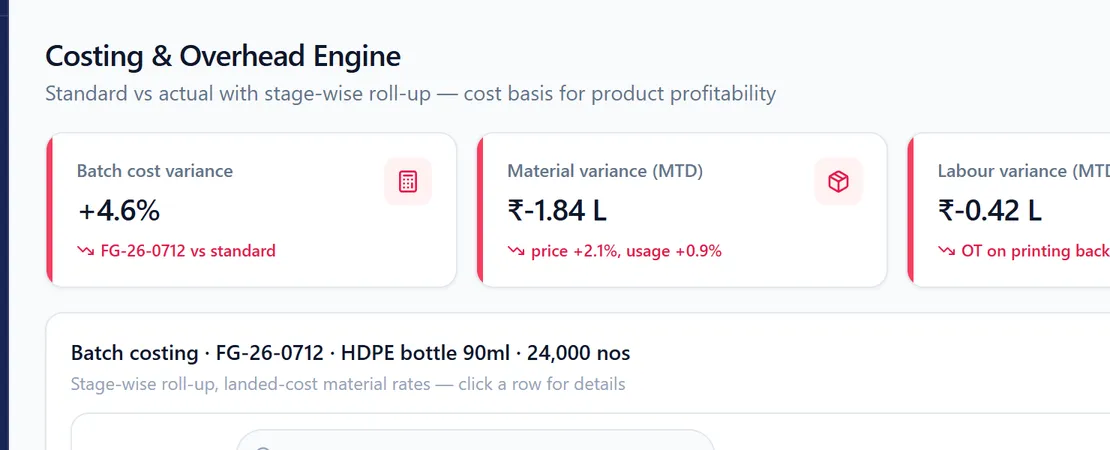
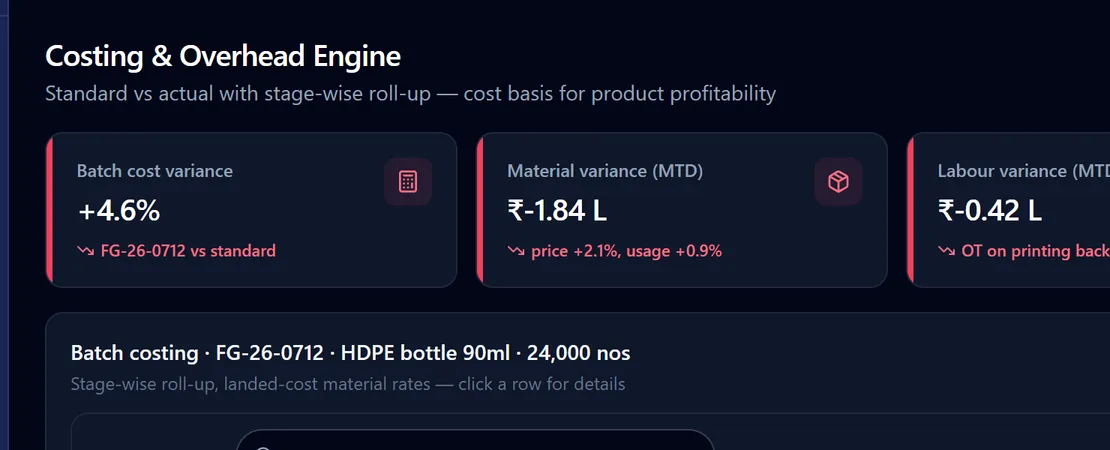
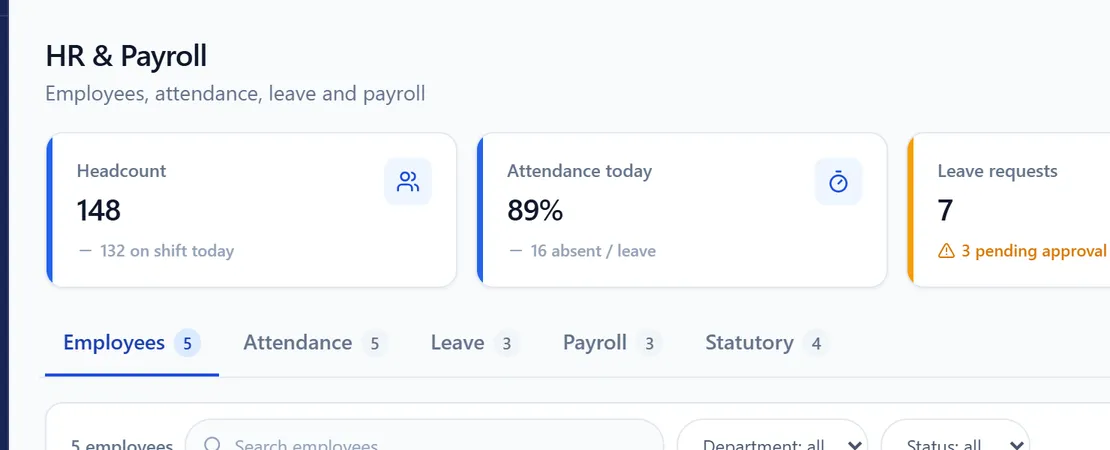
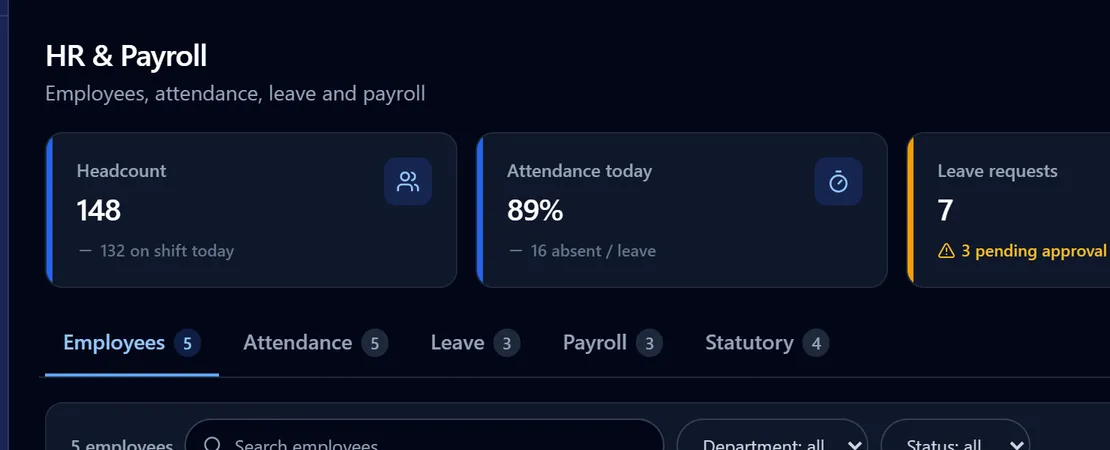
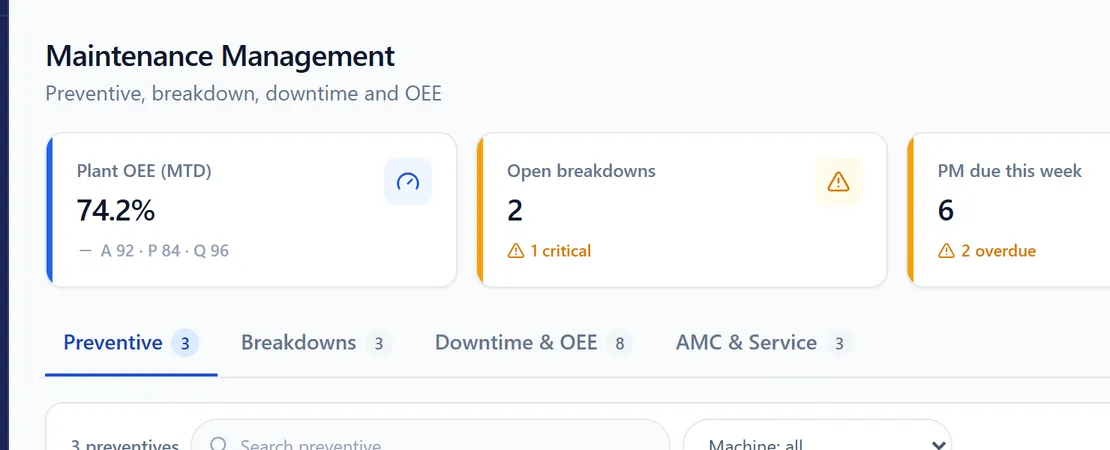
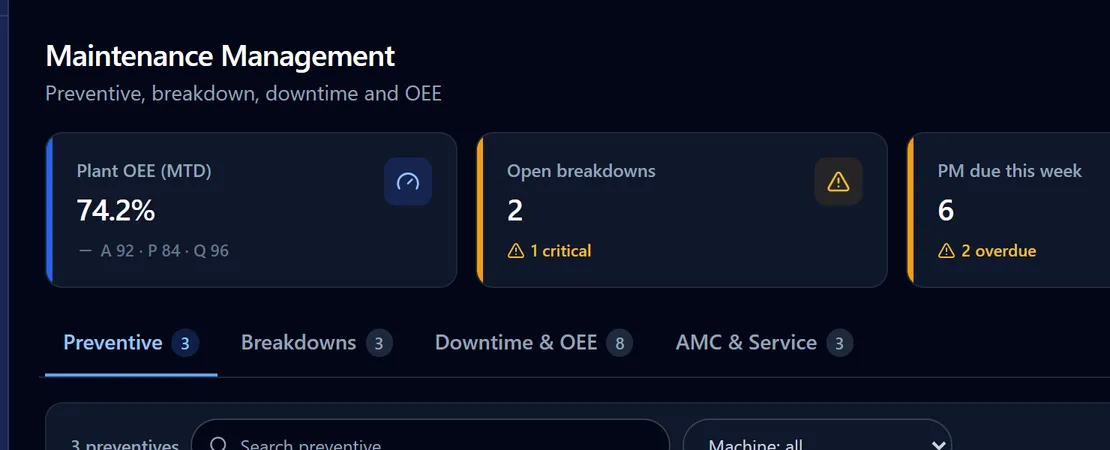
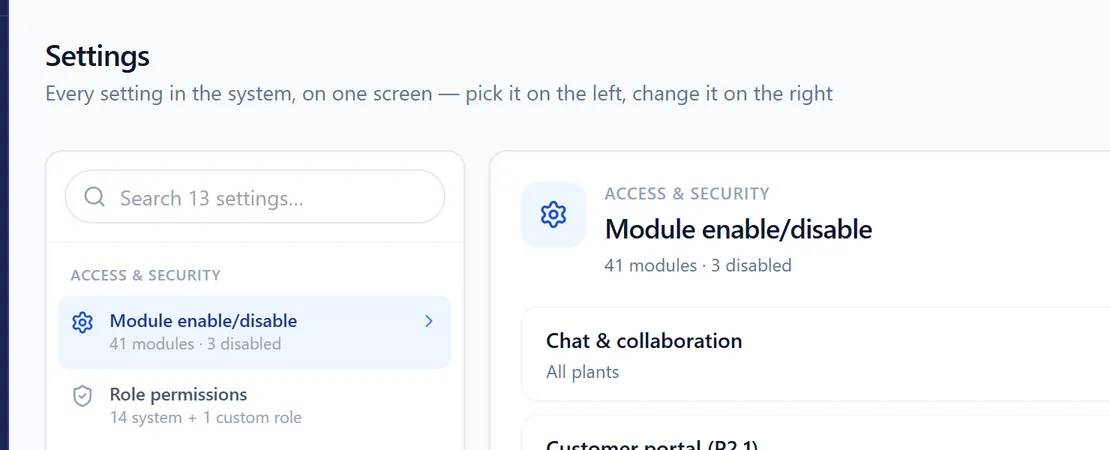
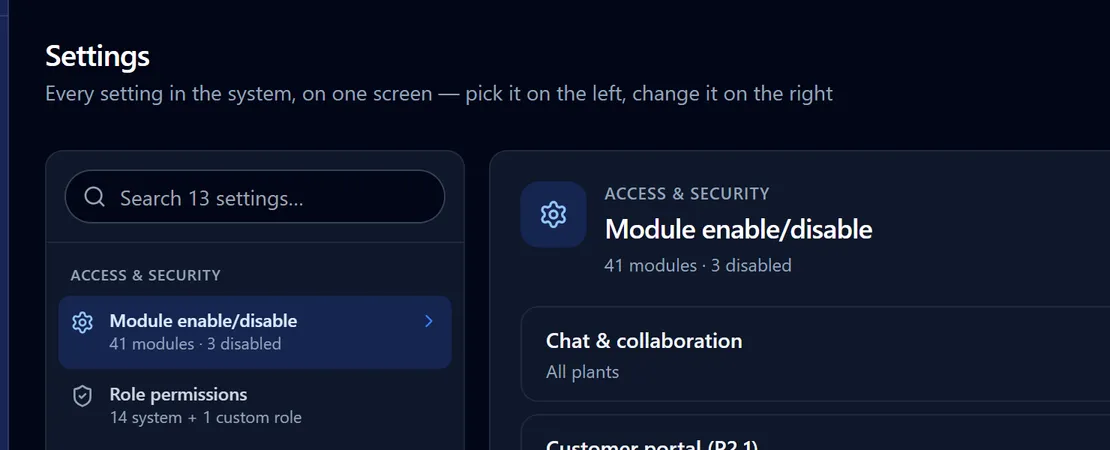
Nine groups, one login, one set of permissions. Every screen below is in the demo — we walk you through it as any role.
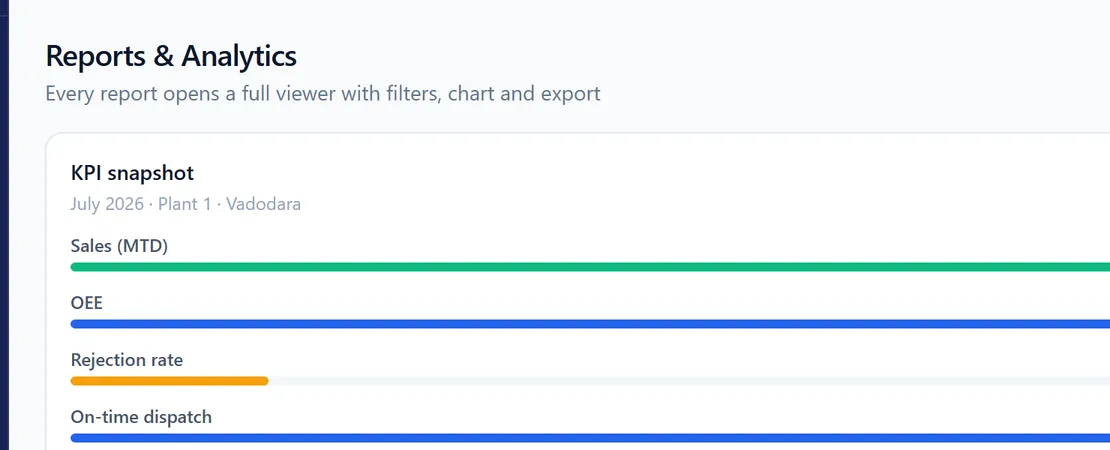
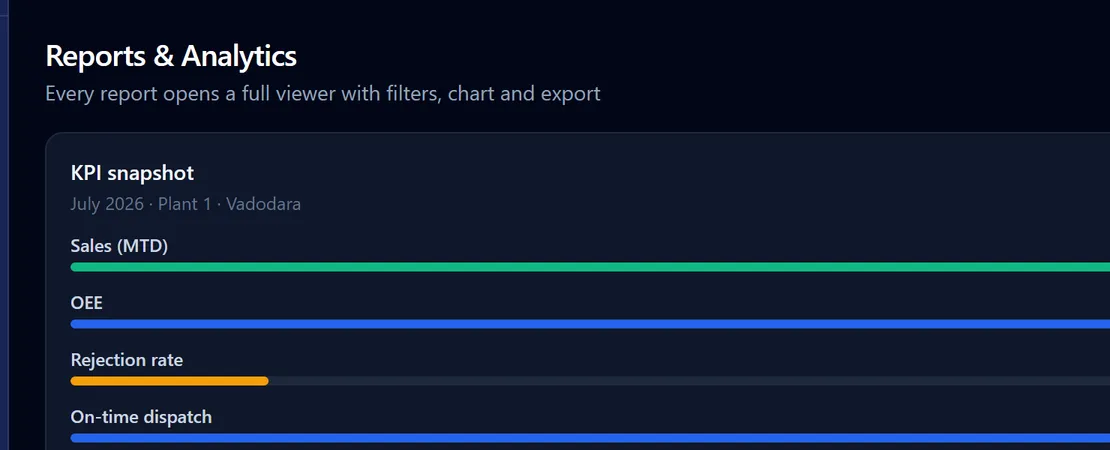
AI
AI across every screen — not a chatbot bolted on the side.
Built from the same data the plant already runs on, so an answer is never a guess dressed up as an insight.
- Predictive alerts on the dashboard — a stockout, a margin slip, a payment risk — with the reasoning shown, not just a red dot
- Ask a question in plain English — “why is OEE down this week?” — and get an answer built from your own live data, with a link to the report behind it
- AI drafts the purchase order, the schedule slot or the payment reminder; a person still approves it before anything goes out
- Every enquiry scored hot, warm or cold, so sales calls the right one first
You ask
What am I short of in the next 14 days?
Plain English, in the workspace. No report to find, no filter to set.
It answers from your data
Two shortages. White masterbatch — need 900 kg, have 240 kg + 300 kg on order → short 360 kg, stockout in ~2 days. Corrugated boxes 5-ply — short 2,200.
Every figure is a live record, and the answer links to the report it came from.
It proposes the work
Draft PO for 2 shortage items (₹4.1 L) — White MB from Colorant Masterbatch Co, boxes from Shakti Packaging.
L1 vendors, covering the 14-day MRP gap.
You approve
The purchase order opens as a draft for a person to check and release.
Approval limits still apply. The AI never signs anything.
Nothing above posts on its own. The AI drafts; a person with the authority approves. That is the whole difference between an assistant and an accident.
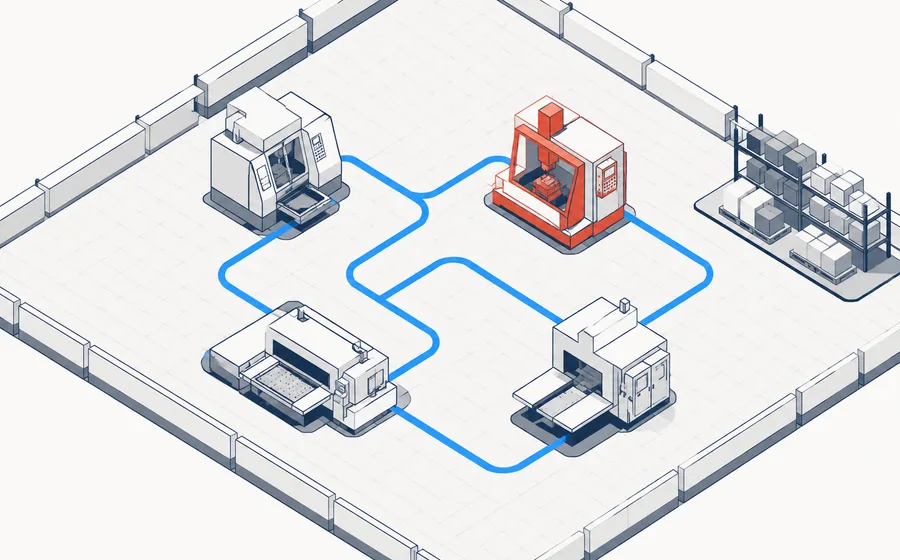
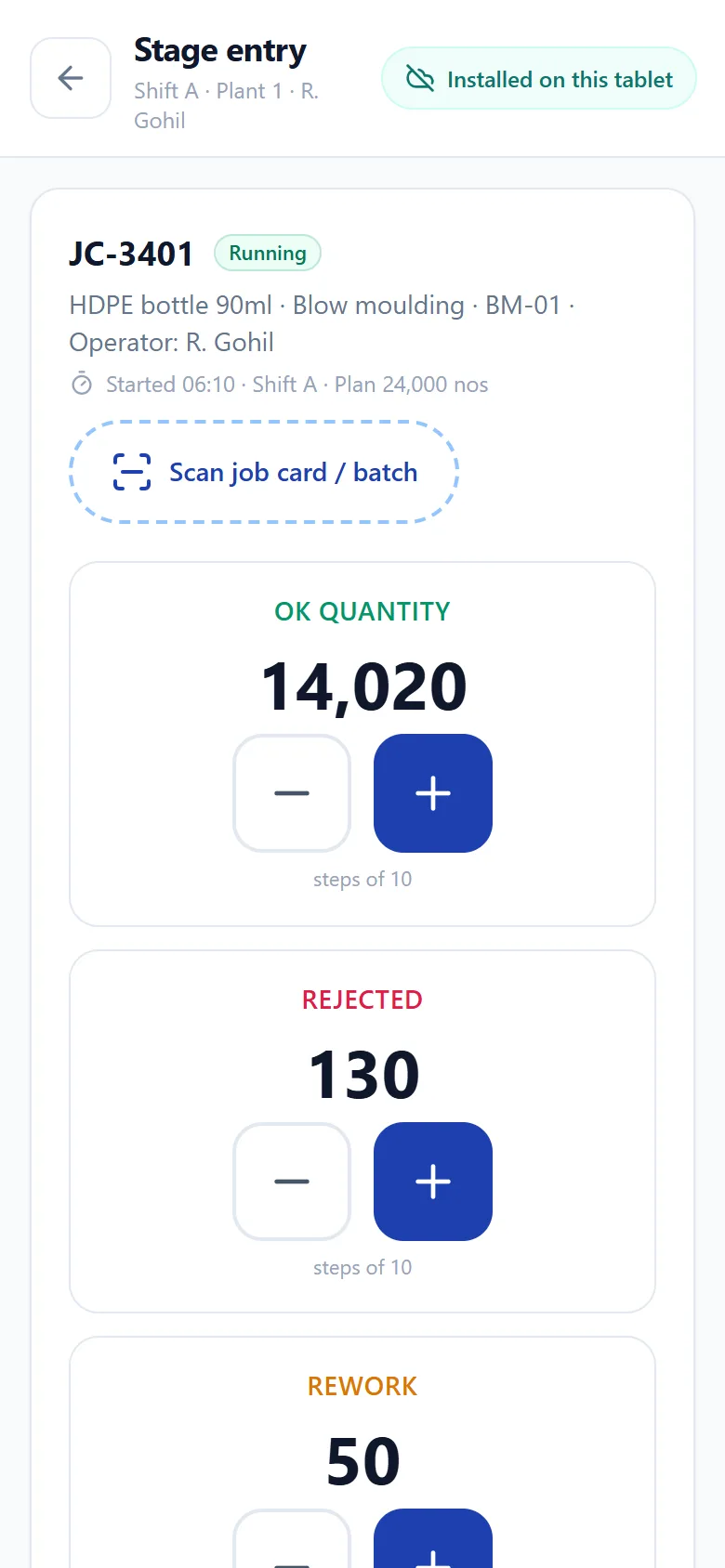
On the floor
Built for gloves, not for a mouse.
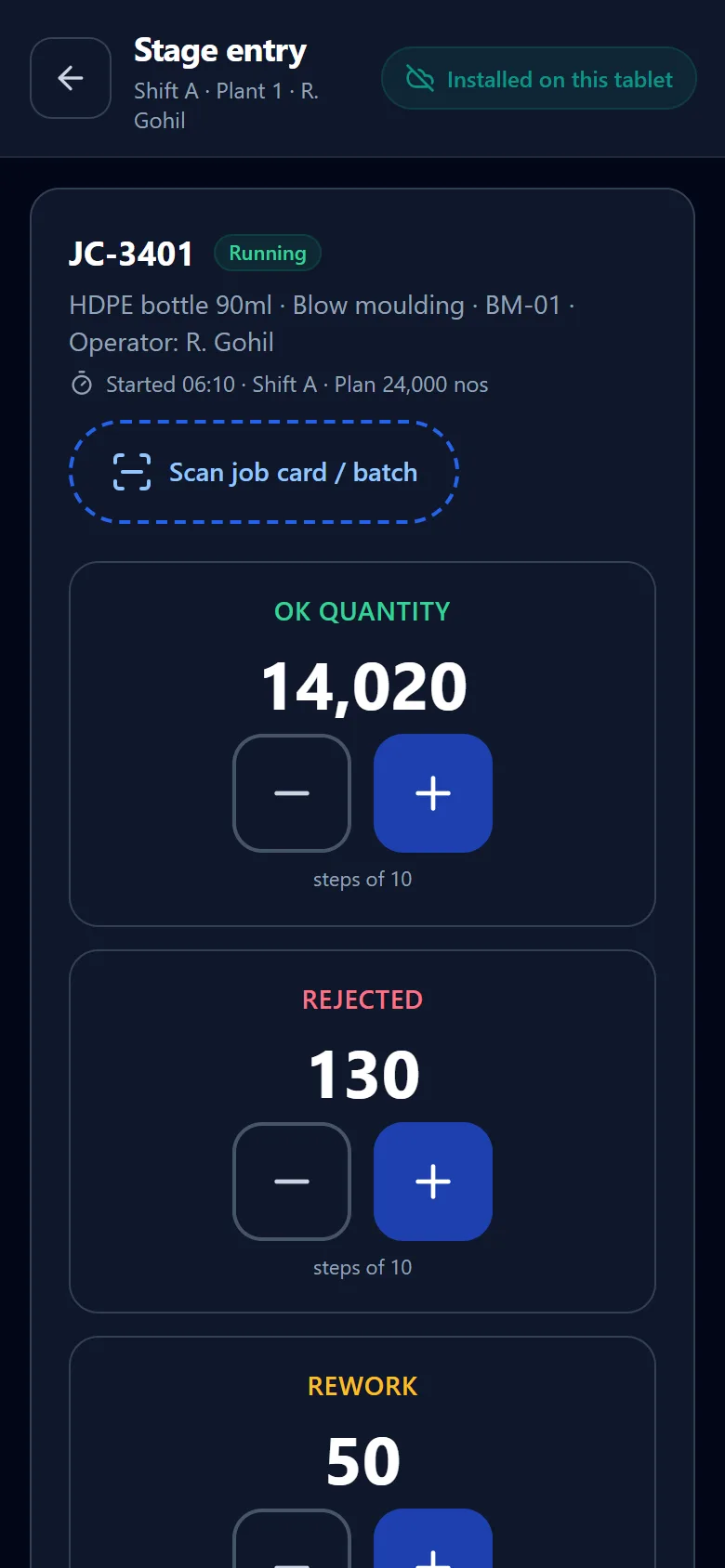
The screen an operator sees is a job card, a quantity and a reason code. Big targets, no menus, and it installs on the tablet rather than living in a browser tab somebody closes.
- Scan a job card or batch instead of typing it
- OK, rejected and rework captured at the machine
- Downtime reasons in one tap — mould change, material wait, power cut
- Installs as an app on the tablet — a dropped wifi link does not blank the screen mid-shift
- Supervisor corrections logged with a full audit trail
Every screen in the plant
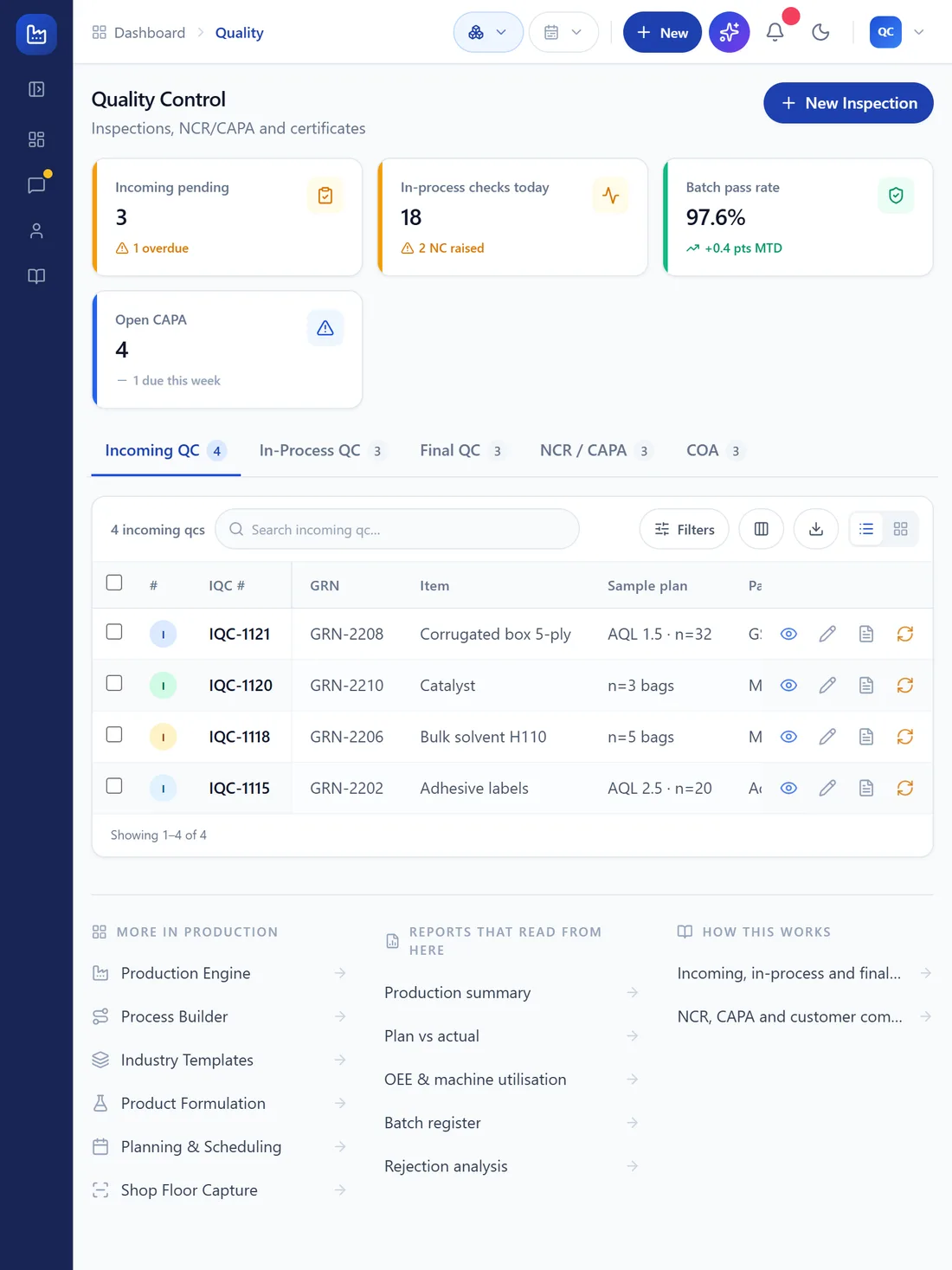
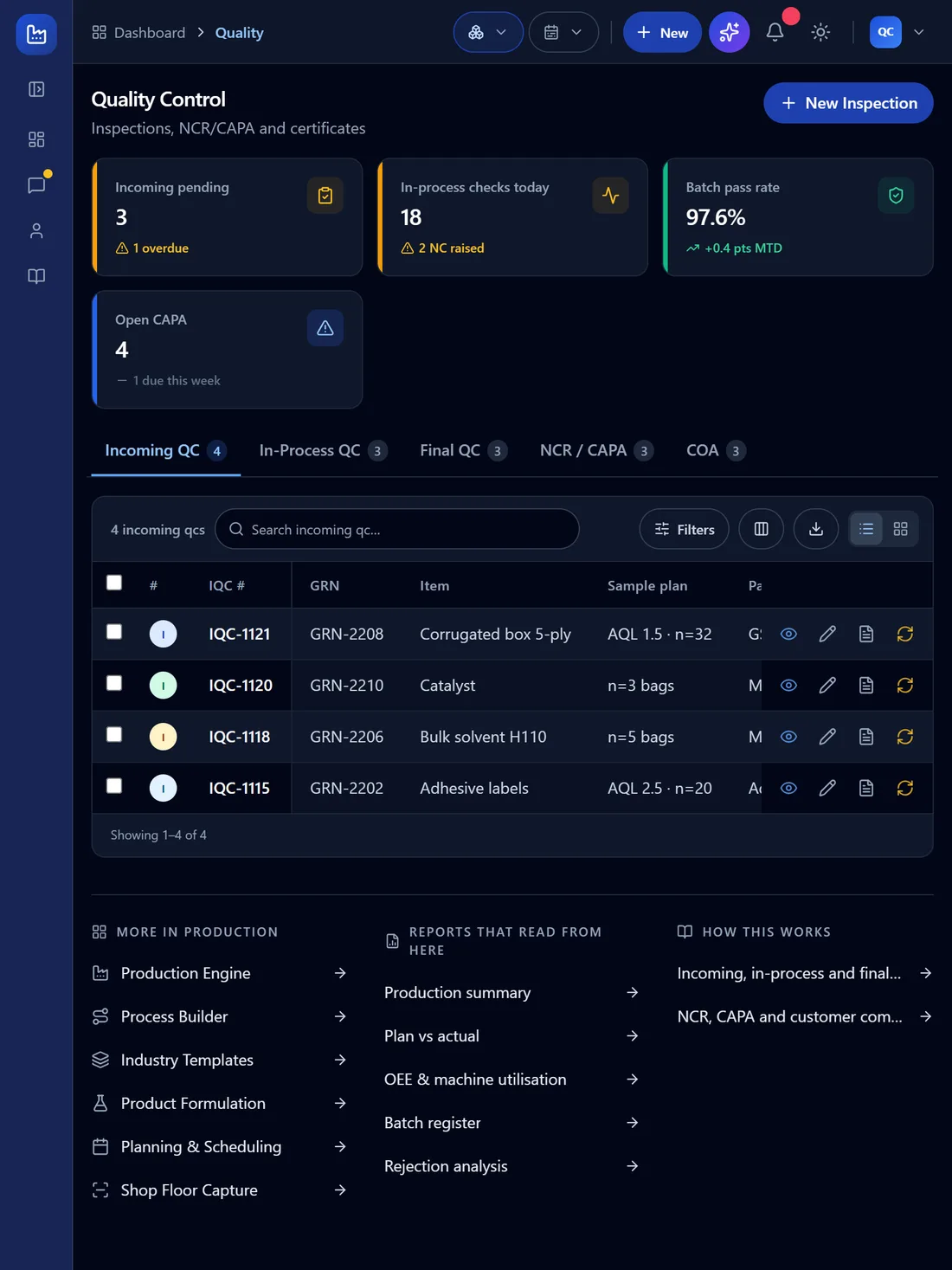
The office browser, the QC tablet, the supervisor's phone.
One build, installed on all of them. The screens below are the real thing at those sizes — the app has its own phone and tablet layout, with a bottom bar per role, rather than a desktop page you pinch to read.
Web
Chrome, Edge, Safari or Firefox, on any machine already in the office. Nothing to install, nothing for IT to approve.
Android
Install from Chrome in two taps. It gets its own icon and runs full-screen — the shop-floor tablet stops being a browser tab somebody closes.
iPhone & iPad
Same app, same icon, from Safari. iPads are common on a QC bench, and this is how they get it without an enterprise certificate.
Windows
Installs to the Start menu and opens in its own window, so the plant head is not hunting for a tab among thirty.
Mac
Installs to the Dock with its own icon and window. Added so this list matches the six platforms the parent site names, and it is true for the same reason the others are — one PWA build, installed rather than downloaded.
Linux
The same install, on the same build. Worth saying out loud because a fair number of plant machines quietly run Linux.
- One build, one version — a fix reaches every device the moment it ships, with no store review and no MDM push
- The screens open without a network once installed; recording work while the link is down is on the roadmap, not shipped
- The same login and the same permissions on every device — a phone does not get a weaker copy of the product
- Where connectivity at the plant is genuinely bad, a dedicated on-premise instance runs on the plant network
Going live
Four steps, and none of them start with a big bang.
The question every owner actually asks is not what it does. It is how long until it works, and what breaks meanwhile. One line live in three to four weeks; the full scope in eight to twelve.
01
We map your actual process
Your stages, your job work, your paperwork — including the parts that only exist in somebody’s head. Half a day at the plant.
02
Masters and openings go in
Items, BOMs, routings, parties, opening stock and balances. We do the loading; you check the numbers you already know.
03
One line runs live
Production and stock on a single line first, alongside whatever you use today. Nobody bets the plant on week one.
04
The rest follows, then the books
Quality, costing and payroll switch on once the floor is entering cleanly. Finance goes last, because it needs the first three to be true.
Both directions
A recall that takes minutes, not a weekend.
From a finished batch back to every raw lot that went into it — and from a suspect lot forward to every batch and every customer it reached.
See how quality works →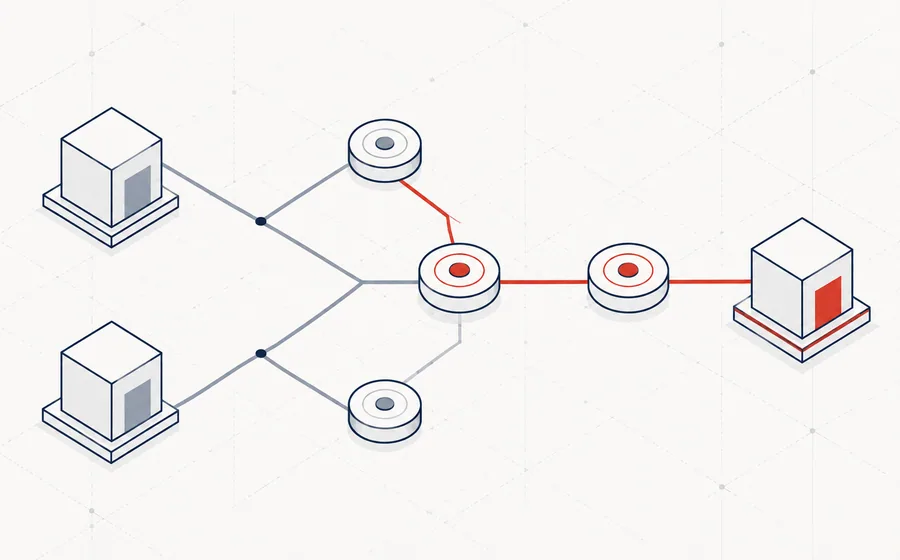
Built for every kind of plant
37 industry templates, not one generic setup.
A generic ERP cannot cost a recovered by-product or hold a dispatch on a leak test. Each template ships with the stages, checks, wastage rules and compliance of one trade — and the demo runs in that trade's own vocabulary.
Connected
Works with the tools you already use.
Accounting, payments, marketplaces, logistics, messaging, storage and shop-floor devices. Where a connector needs your own provider account, that account stays yours.


What it replaces
Everything in one platform — not five.
Most of our customers are not replacing an ERP. They are replacing an accounting package plus Excel plus a chat group plus a whiteboard.
Pricing
Introductory pricing from ₹3,999 a month.
Four plans, each carrying its own users and plants, add-ons above that, at introductory rates for early customers. Exclusive of GST, revised at general release — and the rate you sign is the rate you renew at.
- A walkthrough on your own process before anyone talks about price
- Every plan carries its own user and plant allowance — no surprise seat bill
- WhatsApp, SMS, e-invoicing and bank APIs stay your accounts; we bill only the platform
- Billed yearly for 1, 2 or 3 years — the 3-year term saves 20%
- A dedicated instance when the plant cannot share a server
Questions
Questions, answered plainly.
How long until it is actually running?
One line live in three to four weeks for a single plant; the full scope in eight to twelve. That assumes somebody on your side owns the masters. ERPs do not fail on software, they fail because nobody was accountable for the item master.
What happens to our existing accounting system?
Most customers keep their existing accounting package — Tally, QuickBooks, Xero, whatever you run — for statutory books in year one, and let MANUPRIME run the plant. Masters and balances import; you decide later whether accounting moves across. We do not force that decision at go-live.
Do we have to stop production to go live?
No. We start on one line, in parallel with your current method, and cut over when the numbers on both sides match for a full week.
Does it work when the internet drops on the shop floor?
Partly, and we would rather be exact about it than sell you a promise. MANUPRIME installs as an app, so the screens open without a network instead of showing a browser error. Entering work while the link is down is a different thing — a queued write that syncs on reconnect is on the roadmap, not shipped. Where connectivity at the plant is genuinely bad, the answer today is a dedicated on-premise instance running on the plant network.
Who owns our data, and can we get it out?
You do. Every report exports to CSV or XLSX, and a full database export is yours on request at any time, including after you leave.
What does it cost after the first year?
The same, unless you add users or plants. Renewal is at the rate you signed; we do not run a low first year and reprice it once you are dependent.
Book a demo and see it running on your own process.
Forty minutes, on a call, with your BOM and your job card in front of us. No slides.