
Engineer-to-order
ERP for Machine Manufacturers
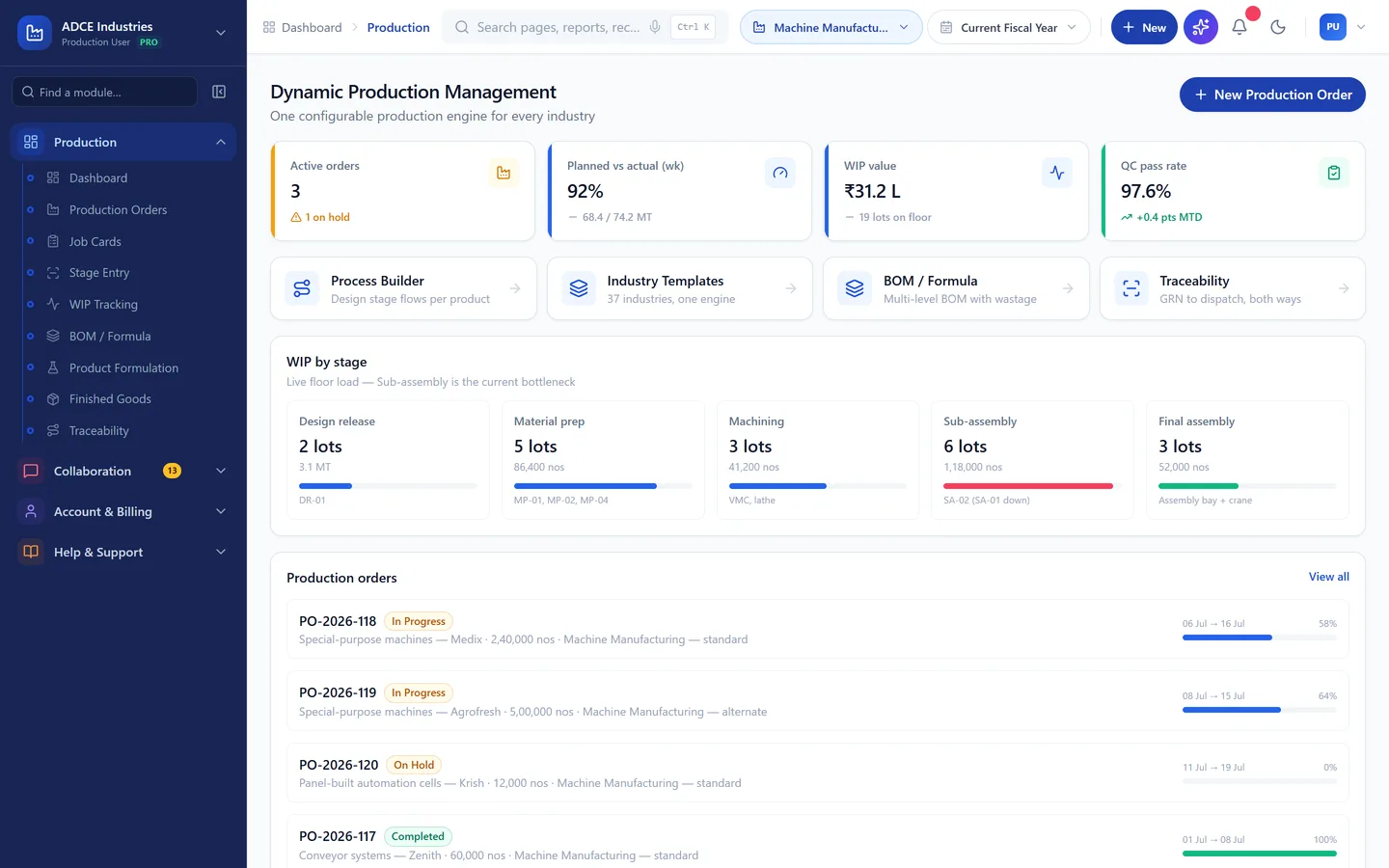
Engineer-to-order means the BOM changes after the order is taken. If the system cannot revise a BOM mid-build and keep the costing honest, it will be abandoned by the second job.
- Stages mapped
- 9
- Quality checks
- 4
- Wastage rules
- 3
- Compliance items
- 3
Your process
The stages, already mapped.
Fabrication and assembly against work orders. These are the stages the template ships with — machines and checks included. Yours will differ in detail; that is configuration, not development.
- 1
Design release
Release BOM, drawings and routing from engineering
- Machines
- CAD/PLM
- Checked
- Drawing review
- 2
Material prep
Cut and prep steel per nesting plan
- Machines
- Saw, plasma/laser
- Checked
- Dimension check
- 3
Fabrication
Weld frames and structures with fixture control
- Machines
- Weld bays
- Checked
- Weld visual + DP test
- 4
Machining
Machine critical interfaces and mounting faces
- Machines
- VMC, lathe
- Checked
- CMM/CTQ dims
- 5
Sub-assembly
Build drives, guards and stations as modules
- Machines
- Assembly benches
- Checked
- Module checklist
- 6
Final assembly
Integrate modules on base frame with alignment
- Machines
- Assembly bay + crane
- Checked
- Alignment report
- 7
Wiring
Panel and field wiring with loop testing
- Machines
- Electrical bay
- Checked
- Point-to-point test
- 8
Trials
Dry and load runs, cycle-time proving
- Machines
- Trial area
- Checked
- Cycle time vs spec
- 9
FAT
Customer factory-acceptance test and punch-list closure
- Machines
- Trial area
- Checked
- FAT protocol sign-off
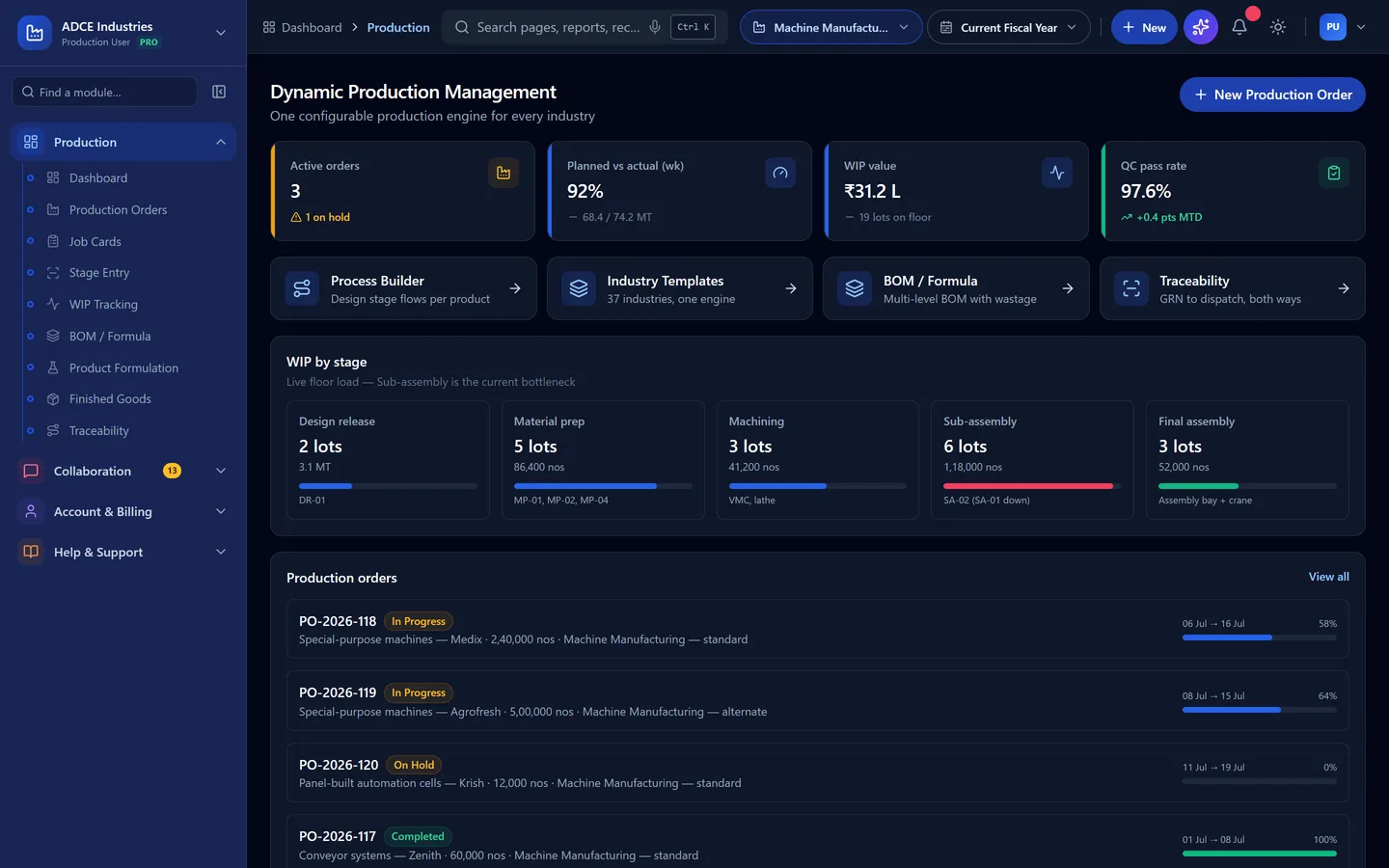
What goes in
Steel, bought-outs, electricals
What comes out
Machines (serialised)
Special-purpose machines · Conveyor systems · Panel-built automation cells
Who is it for
Not all machine manufacturers work the same way.
The template is the same; what it has to answer for is not. Find the one that sounds like you — if none of them do, say so on the call and we will tell you honestly whether this is the right fit.
Special-purpose machine builders
One-off builds costed against the quotation that won them.
Standard machine manufacturers
Repeat models with options, serial numbers and spares.
Machine rebuilders and retrofitters
Scope decided after tear-down, priced as it changes.
MANUPRIME AI
Ask it about this floor, in your own words.
The AI reads the same records this template creates — so on a machine manufacturer floor the questions it can actually answer are the ones you already ask at the morning meeting.
Questions it answers here
- “Why has on-time fat moved this week?” — currently 87% in the demo data
- “Why has estimate vs actual cost moved this week?” — currently +4.2% in the demo data
- “Why has punch-list items/fat moved this week?” — currently 6.1 in the demo data
- “Where is my wastage going?” — offcuts, machining scrap, costed back to the batch that caused it
- “What am I short of in the next 14 days?” — with the covering purchase order drafted for approval
And what it is not allowed to do
It shows its working, or it does not answer
It drafts. A person releases
It sees only what the person asking can see
Quality
What quality control looks like here.
Checks that hold a dispatch, at the frequency this trade actually inspects.
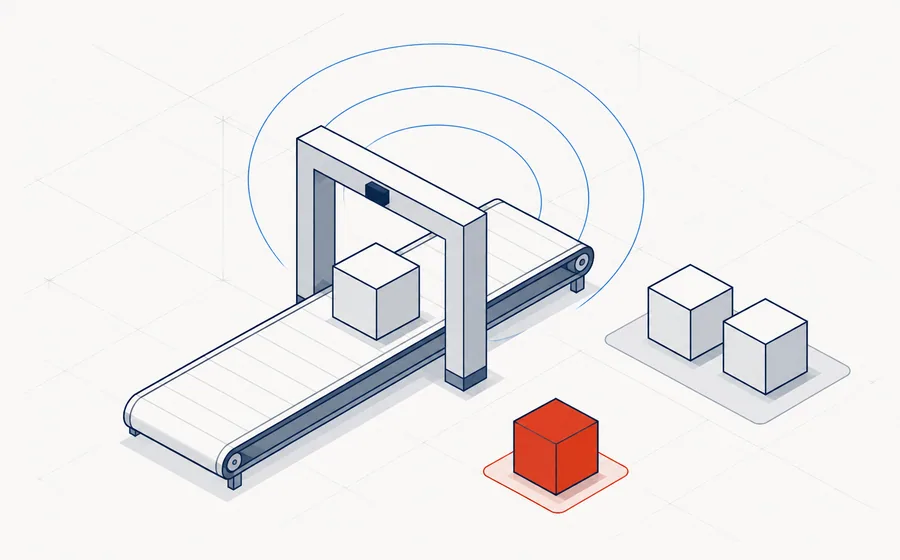
| Parameter | Method | Frequency |
|---|---|---|
| CTQ dimensions | CMM report | Per machined part |
| Weld quality | Visual + DP test | Per weldment |
| Electrical safety | IR + continuity | Before power-on |
| Cycle time | Stopwatch/PLC log | Trials + FAT |
Wastage and recovery
The part generic ERPs get wrong.
Most systems can only write material off. In this trade that is the difference between a costing you believe and one you argue with.
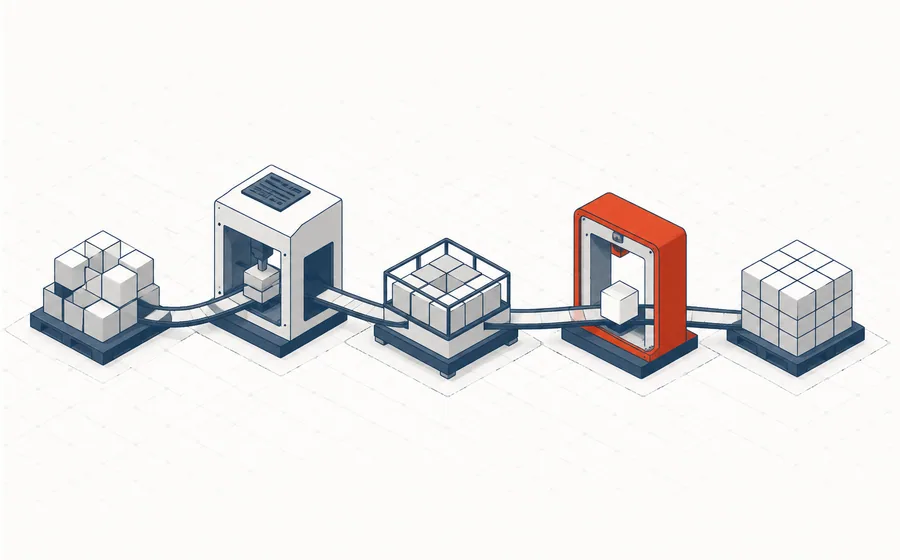
Rules that ship with this template
- Offcut steel to scrap yard with weighment
- Rework hours booked against work order
- Bought-out rejections debited to vendor
What drives your cost per unit
- Work-order costing: material + labour-hours + bought-outs
- Engineering hours capitalised per project
- Warranty & installation provision
In short:Offcuts, machining scrap.
Compliance
What this trade has to prove.
Configured, not bolted on afterwards — the records come out of the same transactions your floor is already entering.
On the dashboard
The numbers this plant is judged on.
Sample figures from the demo, so you can see the shape of what you would be looking at every morning.
- On-time FAT
- 87%
- Estimate vs actual cost
- +4.2%
- Punch-list items/FAT
- 6.1
Illustrative values from the demo dataset, not a customer's figures.
Questions
Questions we get asked first.
Can the BOM change after the work order is open?
Yes, with versions. A revision records what changed, who approved it and which work orders picked it up, so the cost of scope creep is visible on the job rather than absorbed.
How do we cost a machine built over four months?
Cost accumulates on the work order as material issues, job work and labour land, so WIP value is current at any point rather than known at the end.
Does it handle FAT and stage inspections?
Stage inspections gate the routing, and the FAT protocol is a final inspection with its own parameters. Dispatch documents pull the results.
See it running with Machine Manufacturing data.
The demo opens with this trade's materials, machines, checks and reports already in place. No signup, nothing to install.