
Batch / blending
ERP for Lubricant Blenders
A blend is base oil plus an additive package plus temperature and time. The thing that quietly ruins a month is the flush between grades that nobody costed to anything.
- Stages mapped
- 6
- Quality checks
- 4
- Wastage rules
- 3
- Compliance items
- 3
Your process
The stages, already mapped.
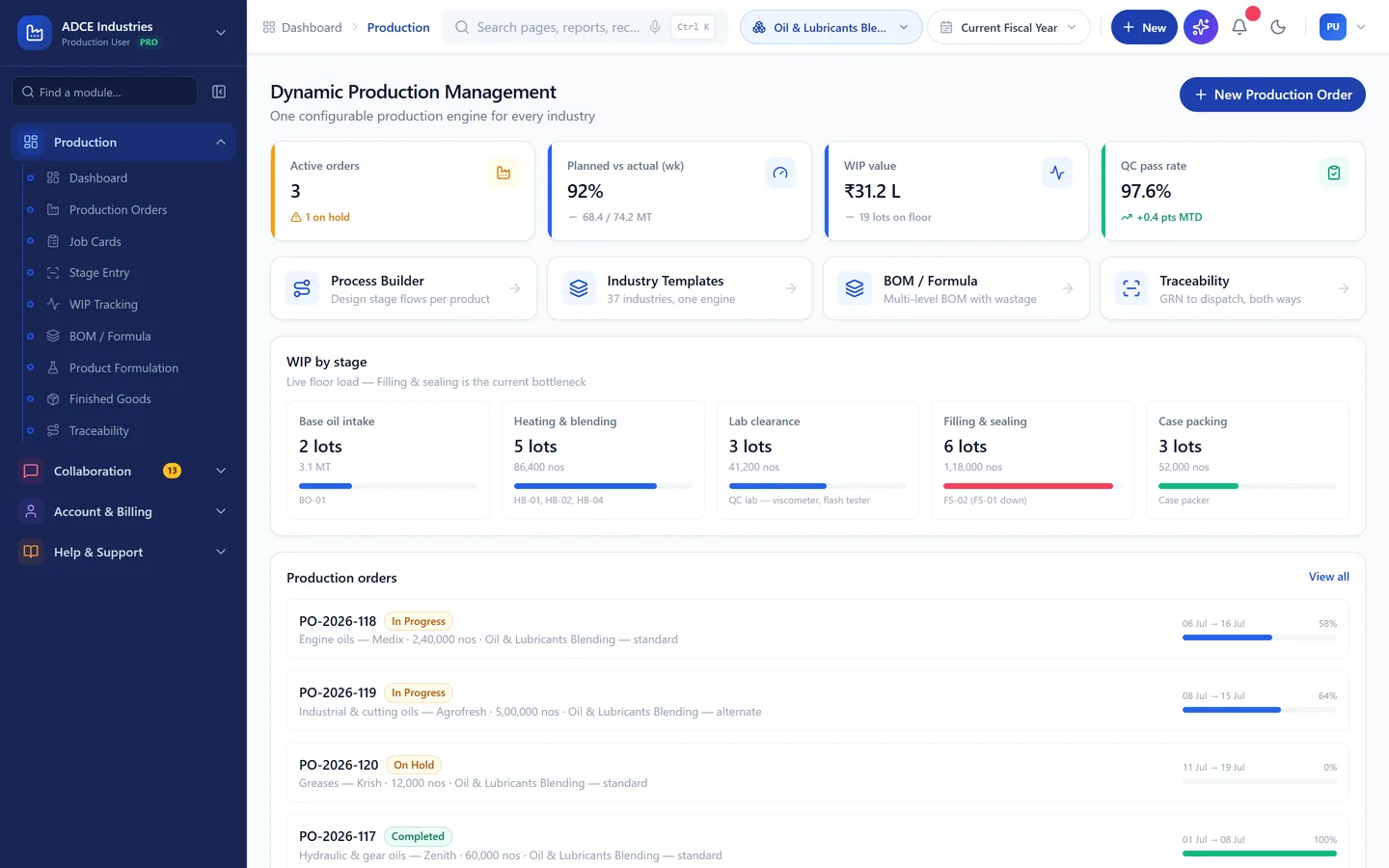
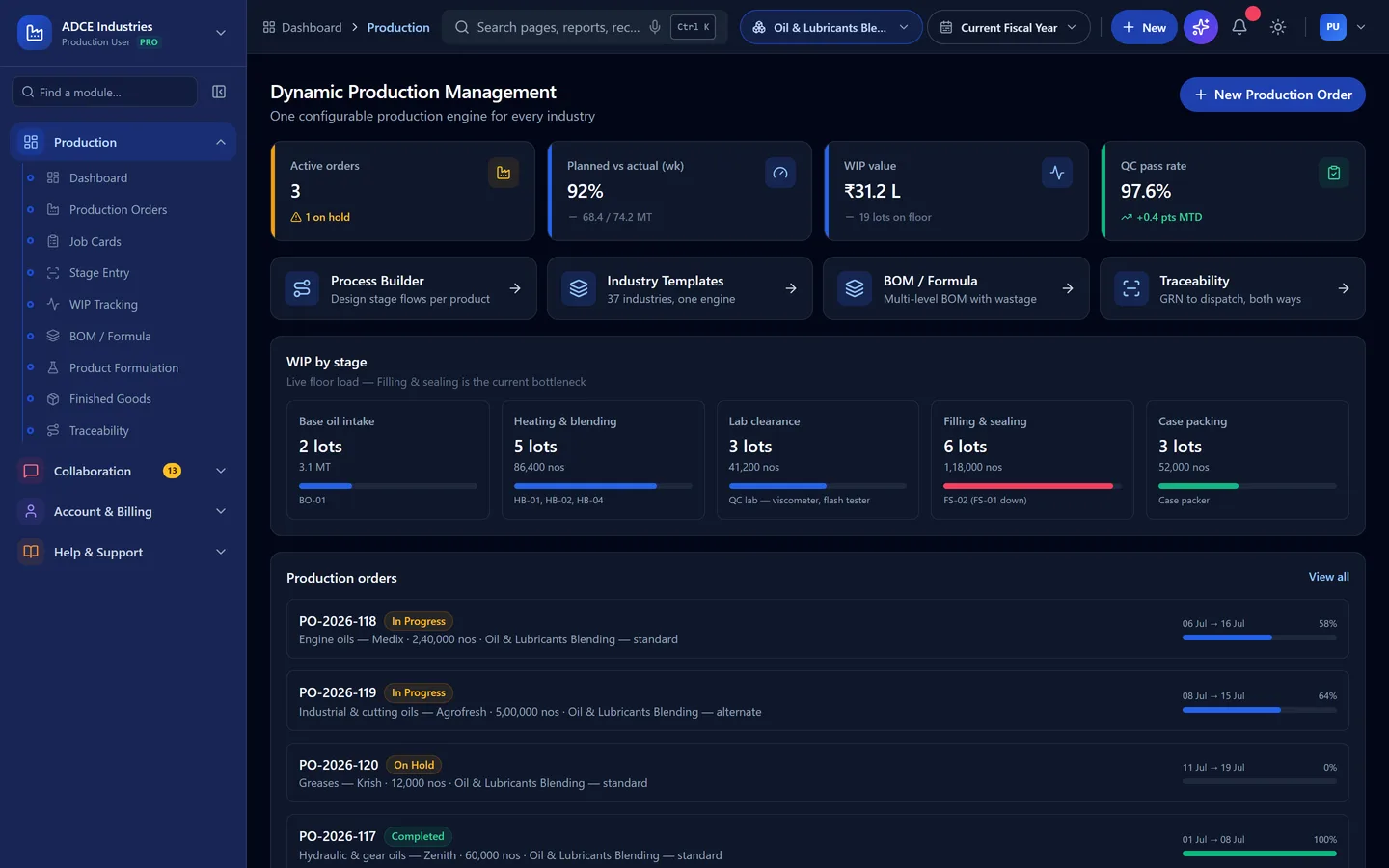
Base-oil blending to filling with batch-wise lab clearance. These are the stages the template ships with — machines and checks included. Yours will differ in detail; that is configuration, not development.
- 1
Base oil intake
Receive and test base oil into the storage tank before it can be used
- Machines
- Tank farm, transfer pump
- Checked
- Viscosity, appearance vs COA
- 2
Heating & blending
Heat and blend the base stocks to the batch recipe
- Machines
- Blending vessel 20 KL
- Checked
- Temperature log, batch weights
- 3
Additive dosing
Dose the additive package at the specified treat rate
- Machines
- Dosing skid, load cells
- Checked
- Treat rate vs formula
- 4
Lab clearance
Hold the batch until the lab clears the key properties
- Machines
- QC lab — viscometer, flash tester
- Checked
- Viscosity index, flash point, TBN
- 5
Filling & sealing
Fill packs and drums with batch coding and a tamper seal
- Machines
- Filling line, drum filler
- Checked
- Net volume, seal integrity
- 6
Case packing
Carton, code and palletise for dispatch
- Machines
- Case packer
- Checked
- Count per case, code legibility
What goes in
Base oils by group, additive packages, packaging
What comes out
Engine oils, greases, industrial oils
Engine oils · Hydraulic & gear oils · Greases · Industrial & cutting oils
Who is it for
Not all lubricant blenders work the same way.
The template is the same; what it has to answer for is not. Find the one that sounds like you — if none of them do, say so on the call and we will tell you honestly whether this is the right fit.
Lubricant & grease blenders
Blend formulas, base-oil costing and pack-size variants.
Private-label and toll blenders
Per-brand batches in the customer’s own packaging.
Re-refining and recycling units
Waste oil in, yield per stage, statutory records.
MANUPRIME AI
Ask it about this floor, in your own words.
The AI reads the same records this template creates — so on a lubricant blender floor the questions it can actually answer are the ones you already ask at the morning meeting.
Questions it answers here
- “Why has batch right-first-time moved this week?” — currently 95% in the demo data
- “Why has blend cycle time moved this week?” — currently 5.2 hrs in the demo data
- “Why has fill volume giveaway moved this week?” — currently 0.5% in the demo data
- “Where is my wastage going?” — line flush, tank heel, drum residue, costed back to the batch that caused it
- “What am I short of in the next 14 days?” — with the covering purchase order drafted for approval
And what it is not allowed to do
It shows its working, or it does not answer
It drafts. A person releases
It sees only what the person asking can see
Quality
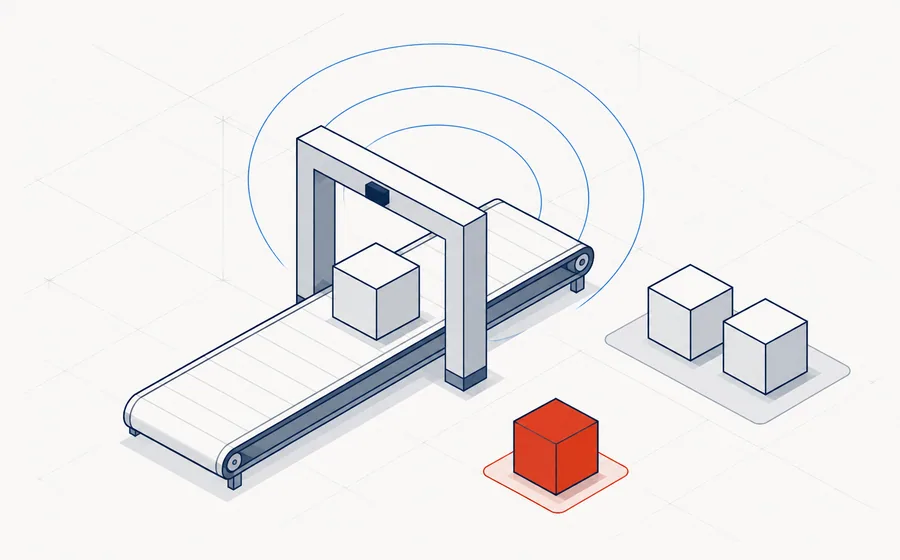
What quality control looks like here.
Checks that hold a dispatch, at the frequency this trade actually inspects.
| Parameter | Method | Frequency |
|---|---|---|
| Kinematic viscosity | Viscometer at 40 and 100°C | Every batch |
| Flash point | Cleveland open cup | Every batch |
| TBN | Titration | Every engine-oil batch |
| Appearance & water | Visual and crackle test | Every batch |
Wastage and recovery
The part generic ERPs get wrong.
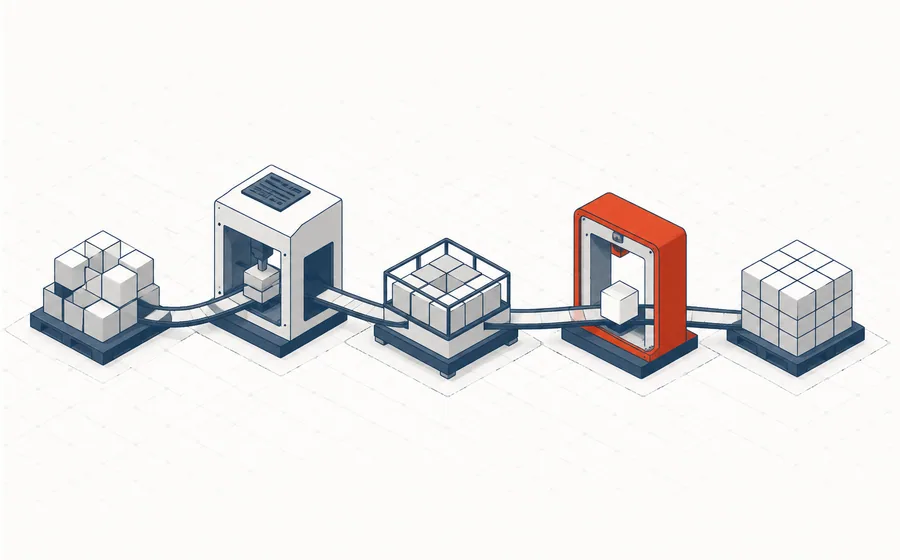
Most systems can only write material off. In this trade that is the difference between a costing you believe and one you argue with.
Rules that ship with this template
- Line flush between grades charged to the grade being changed to
- Tank heel reblended only within the same viscosity family
- Drum residue standard 0.4%, reconciled at the drum wash
What drives your cost per unit
- Base oil cost per KL at the day rate
- Additive package cost per batch at the actual treat rate
- Blending vessel hour rate including heating
In short:Line flush, tank heel, drum residue.
Compliance
What this trade has to prove.
Configured, not bolted on afterwards — the records come out of the same transactions your floor is already entering.
On the dashboard
The numbers this plant is judged on.
Sample figures from the demo, so you can see the shape of what you would be looking at every morning.
- Batch right-first-time
- 95%
- Blend cycle time
- 5.2 hrs
- Fill volume giveaway
- 0.5%
Illustrative values from the demo dataset, not a customer's figures.
Questions
Questions we get asked first.
Does it handle blending by treat rate?
The formula holds the treat rate and the batch records what was actually dosed against it. The additive package is usually the largest single cost line, so the variance on it is worth having per batch rather than per month.
What about tank heels and line flush?
Both are recorded quantities with a rule attached. Flush is charged to the grade being changed to, and heel is reblended only within the same viscosity family — a control, not a preference.
Can we hold a batch until the lab clears it?
Filling is blocked until viscosity, flash point and TBN are entered and pass. A batch that fails is held at its actual cost instead of being written back into the base stock.
See it running with Oil & Lubricants Blending data.
The demo opens with this trade's materials, machines, checks and reports already in place. No signup, nothing to install.